Enterprise Observability Management

Govern observability across teams and workspaces

Guance enterprise capabilities help organisations manage multiple teams and workspaces with identity integration, roles, data boundaries, audit controls, reusable configurations, OpenAPI, and DataFlux Func. Platform teams can scale access without forcing every business unit into the same operating model.

Govern observability across teams and workspaces

What enterprise observability management helps you solve

Scale one observability operating model without erasing team boundaries

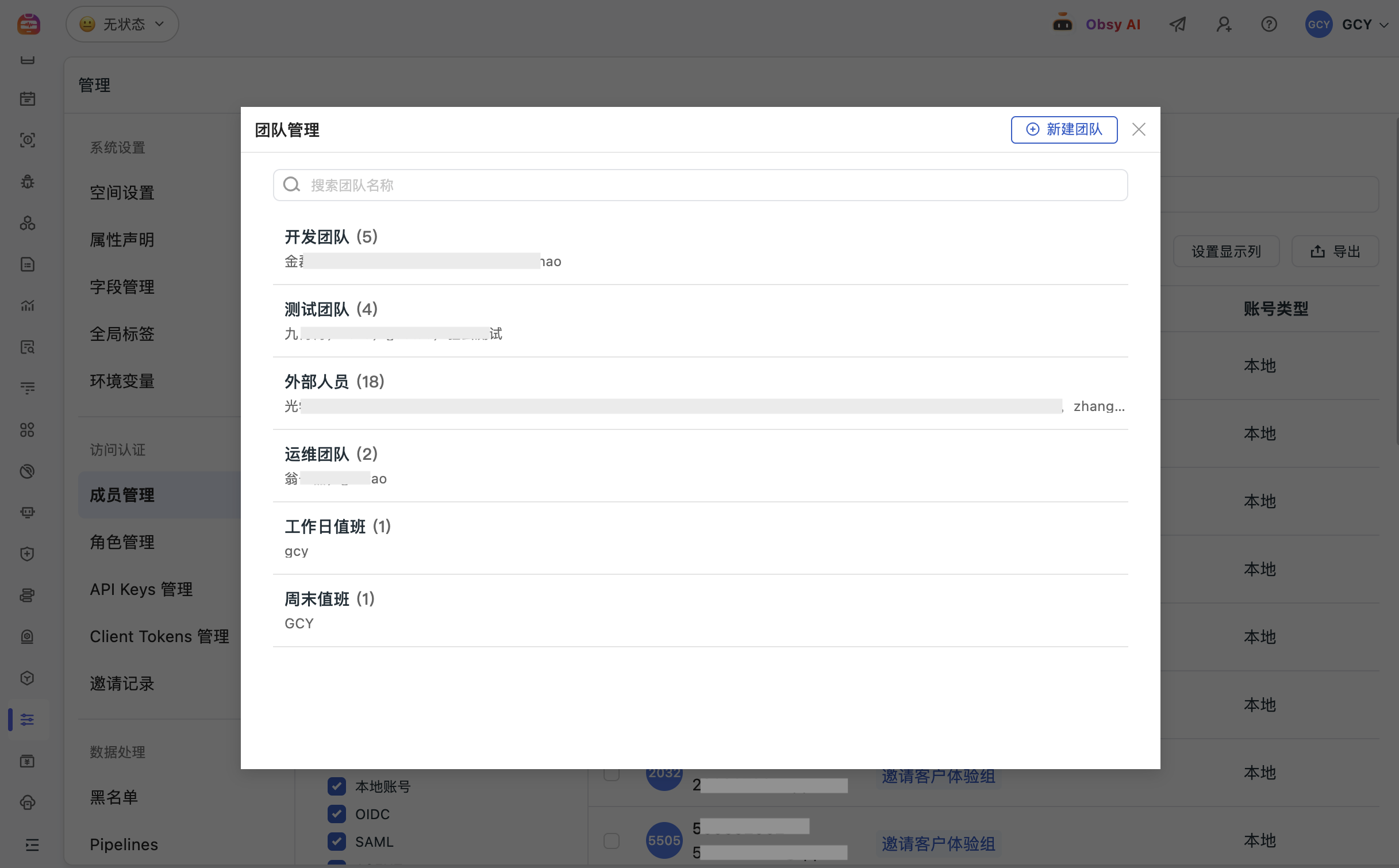
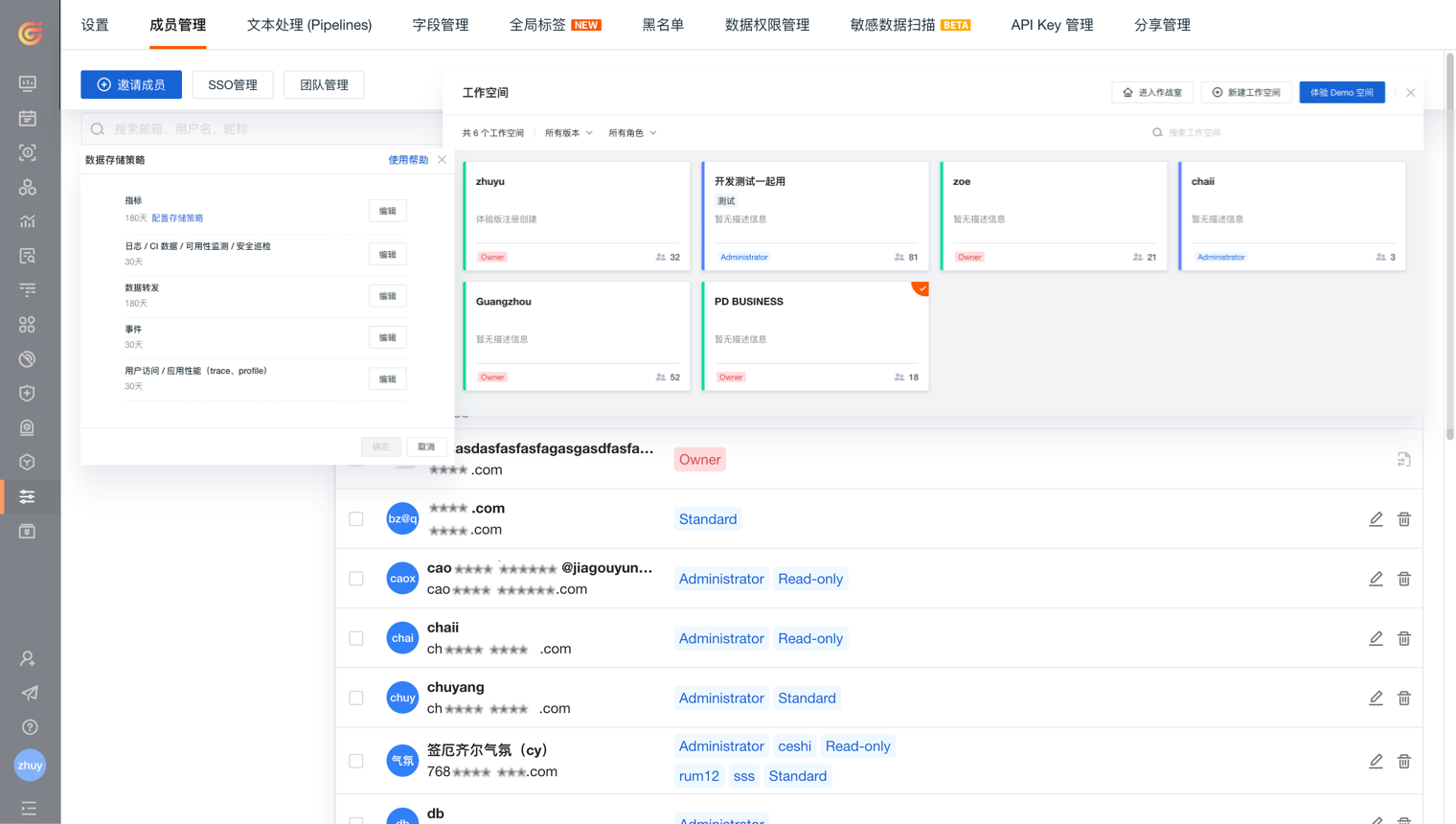
As more teams and data domains enter the platform, governance must cover identity, role assignment, workspace ownership, data visibility, reusable configurations, and integration with existing enterprise systems.

Start with clear workspaces, ownership, and data boundaries
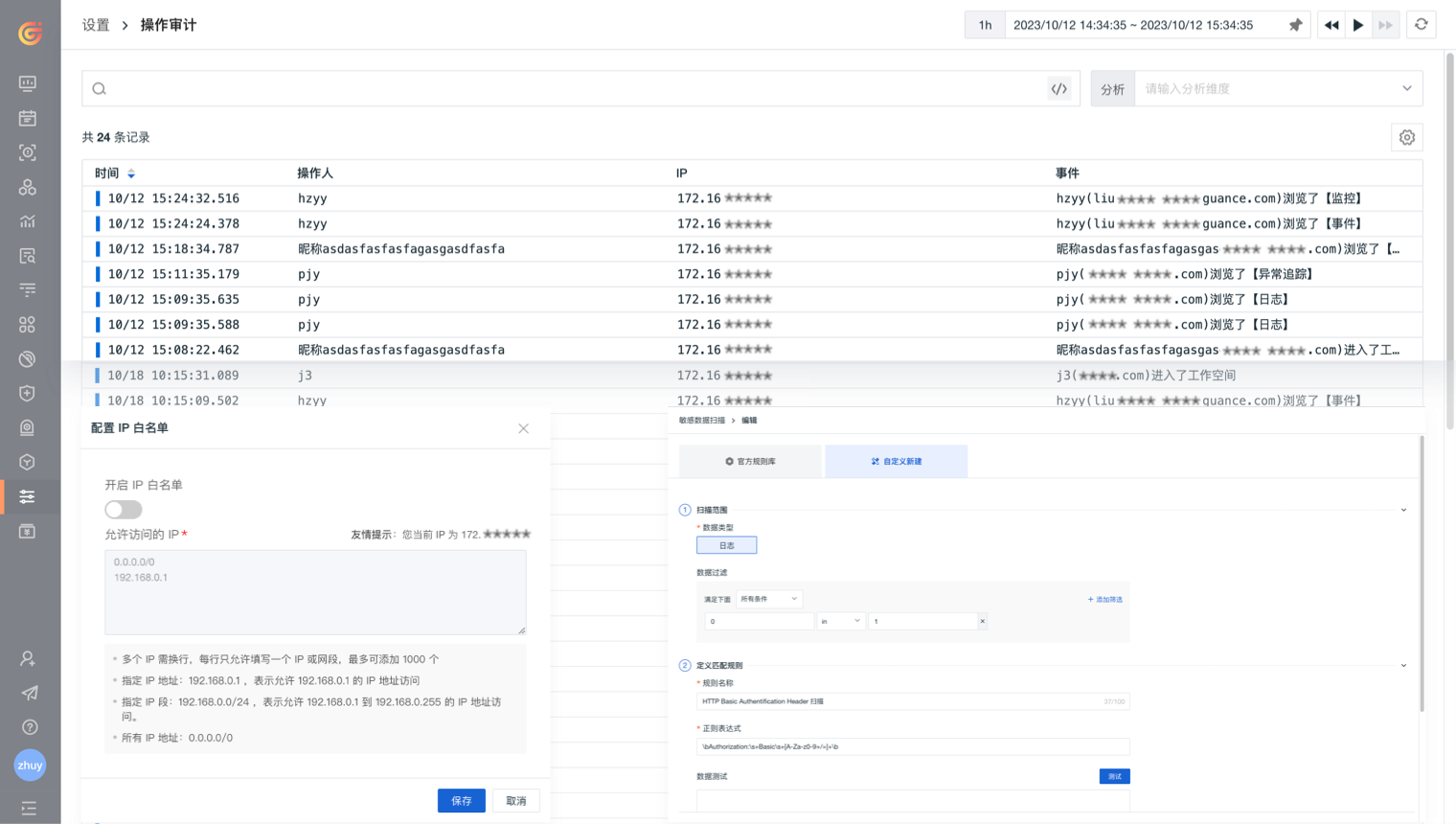
Organise workspaces around departments, business lines, environments, or projects, then define members, roles, storage policies, and access boundaries. Authorised sharing can connect teams without making every dataset globally visible.
View documentation
Start with clear workspaces, ownership, and data boundaries
Turn proven dashboards and configurations into repeatable standards
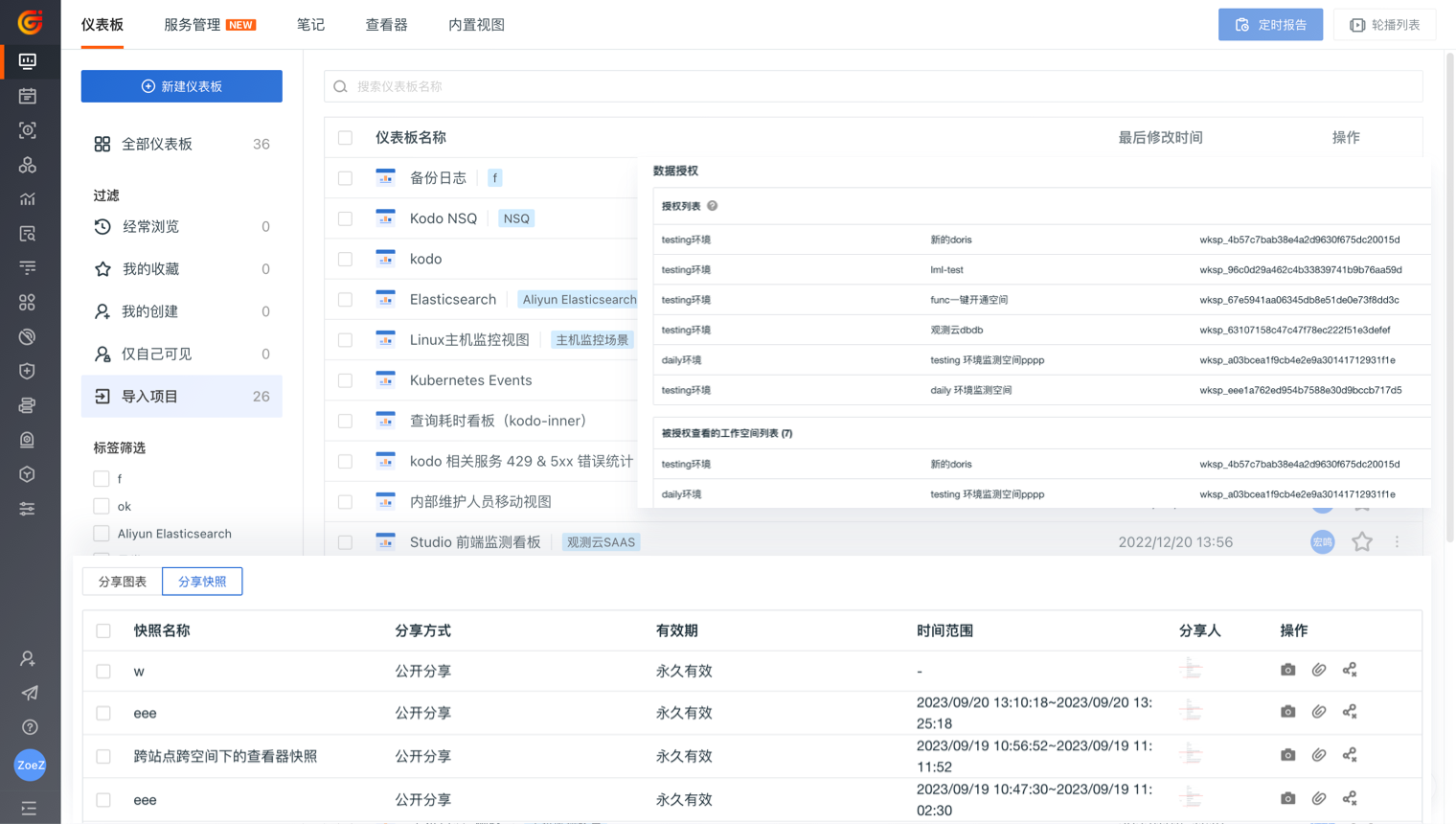
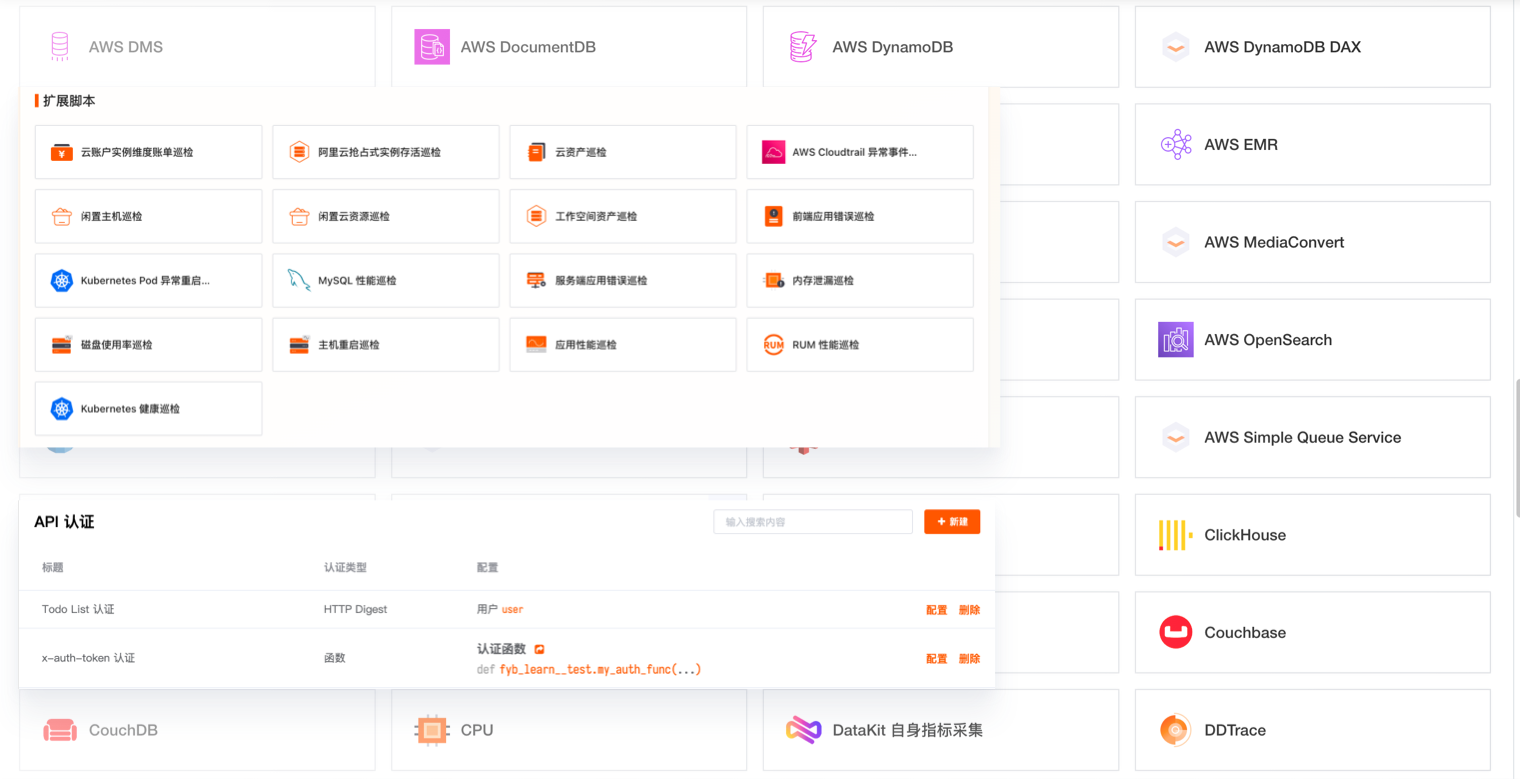
Reuse dashboards, configurations, shared data, and snapshots so platform teams can distribute a validated operating pattern. Product teams retain room to adapt the view to their services instead of rebuilding the baseline from scratch.
View documentation
Connect enterprise identity with SAML or OIDC/OAuth 2.0
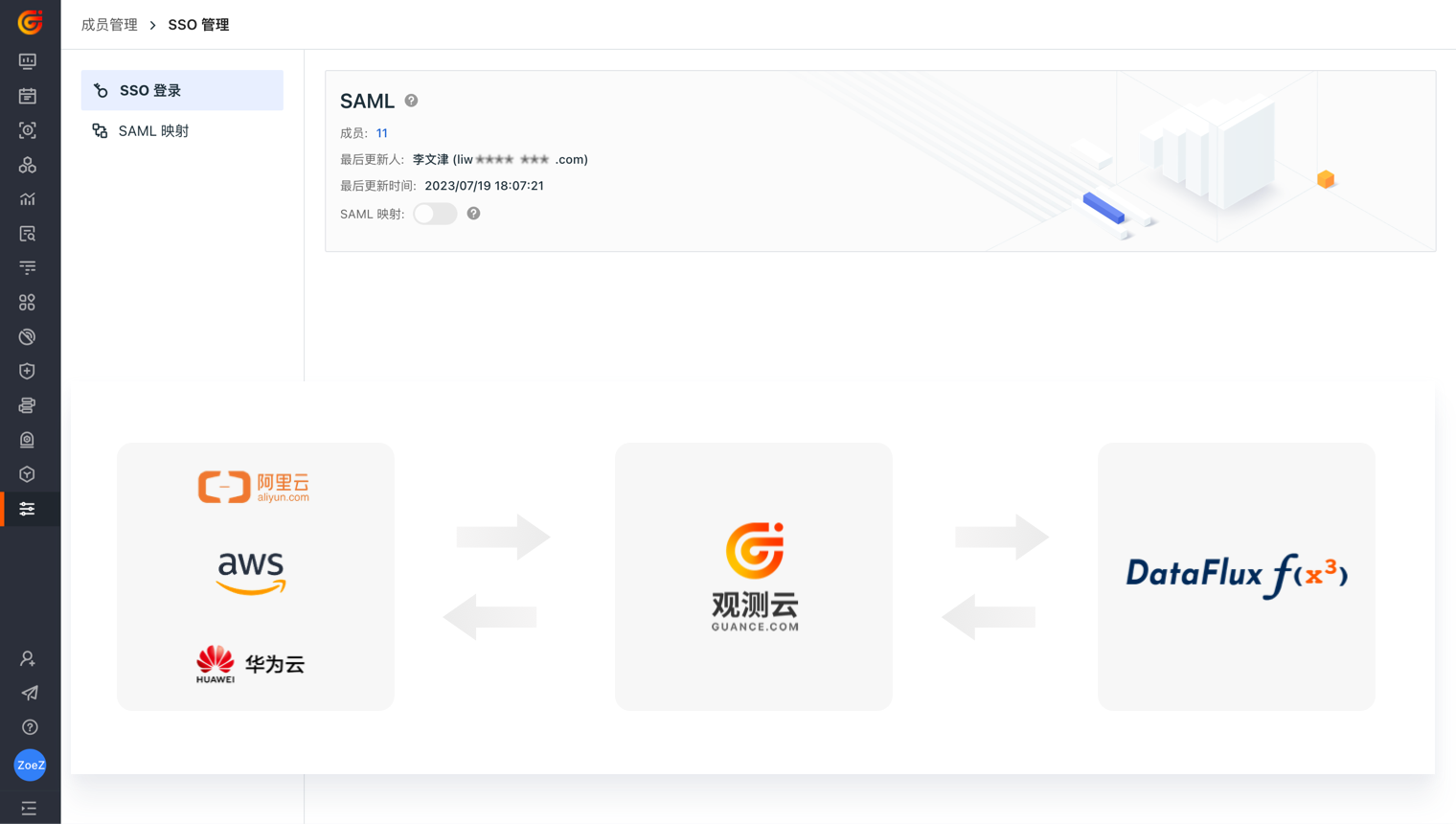
Guance documents SSO based on SAML 2.0 and OIDC/OAuth 2.0, including role mapping from identity-provider attributes. Confirm protocol, identity-provider, and edition requirements for the target deployment before rollout.
View documentation
Connect enterprise identity with SAML or OIDC/OAuth 2.0
Keep sensitive data and administrative changes accountable
Use roles, data masking, access controls, and available audit records to reduce uncontrolled exposure and make important platform changes reviewable. The exact control model should follow each organisation’s data classification and deployment requirements.
View documentation
Use OpenAPI and DataFlux Func to join existing operating systems
Connect observability data and actions to CMDB, ticketing, alerting, automation, reporting, or internal data services. Scope credentials and functions to the minimum access required by each workflow.
View documentation
Use OpenAPI and DataFlux Func to join existing operating systems
Preserve data-movement options for an existing enterprise ecosystem
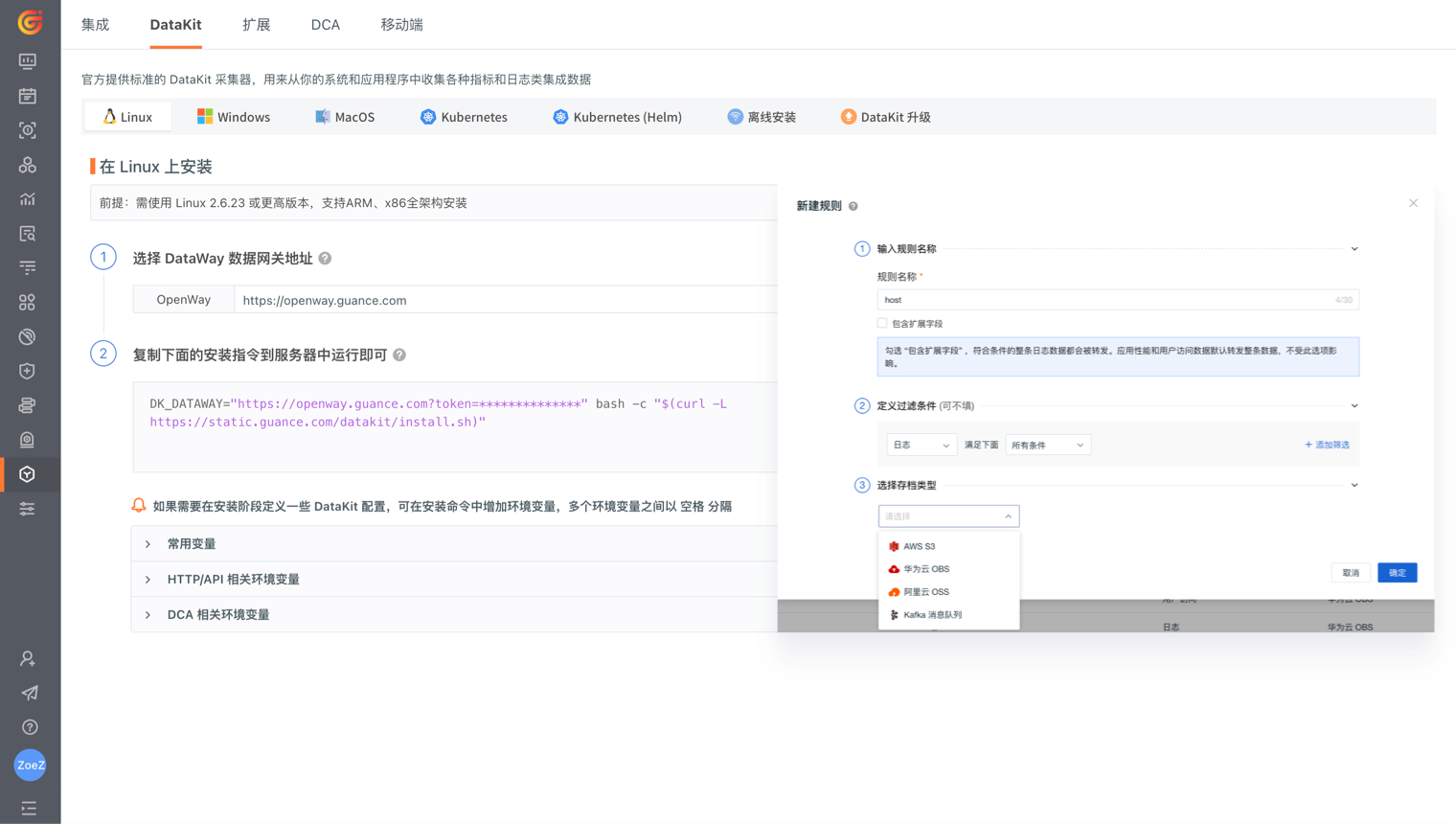
Where supported, use synchronisation, forwarding, object storage, queues, or API integration to keep observability data available to approved reporting and governance workflows. Validate destination, retention, and access requirements before implementation.
View documentation

Frequently asked questions

Which organisations need enterprise observability governance?

It is most relevant when several departments, business lines, workspaces, or data domains share an observability platform and require consistent identity, permissions, auditability, and integration with existing systems.

How can multiple workspaces avoid unintended data access?

Use workspace membership, roles, data-access rules, explicit cross-workspace authorisation, and reviewable administration. The design should start from the organisation’s data classification and least-privilege model.

Can Guance integrate with an existing enterprise toolchain?

Guance provides documented OpenAPI and DataFlux Func capabilities for connecting data and workflows to external systems. The supported integration pattern depends on the target system, authentication method, deployment, and permissions.


Continue into access, deployment, integration, and commercial planning

Explore data access control, programmability, dedicated hosting, documentation, and pricing.

Get started > View documentation > View pricing >