Contact us

Join the community

Scan with WeChat
Join the official community group

Try Guance

Start online with usage-based pricing and a true cloud service.

Get started

Choose a Guance edition

Code repositories

Mobile App / Incident Response

Guance mobile app

After the alarm occurs, you don't need to wait until you return to your computer. Guance mobile app allows on-duty, operations, and SRE teams to take over faults at any time, view dashboards, logs, links, events, and RUM data, and continue collaborating and advancing handling on mobile.

What problems does the mobile app solve?

From receiving an alert to continuing the process, it is not interrupted by the device or location

After the staff leave their workstation, what they truly need is not a notification that only tells you "something has gone wrong," but a mobile entry point that can directly return to the fault context, confirm the impact, take over the handling, and continue reviewing evidence. Guance mobile app brings faults, observation data, scheduling, notifications, and workspace collaboration into the same mobile workflow.

Use it immediately

Put the fault site in your pocket

Scan the QR code to download Guance mobile app. After logging in, you can switch to a licensed workspace, receive fault collaboration notifications, and continue viewing observation data.

Guance Download the QR code via the mobile app Scan to download
When the alarm arrived, the fault was taken directly from the phone
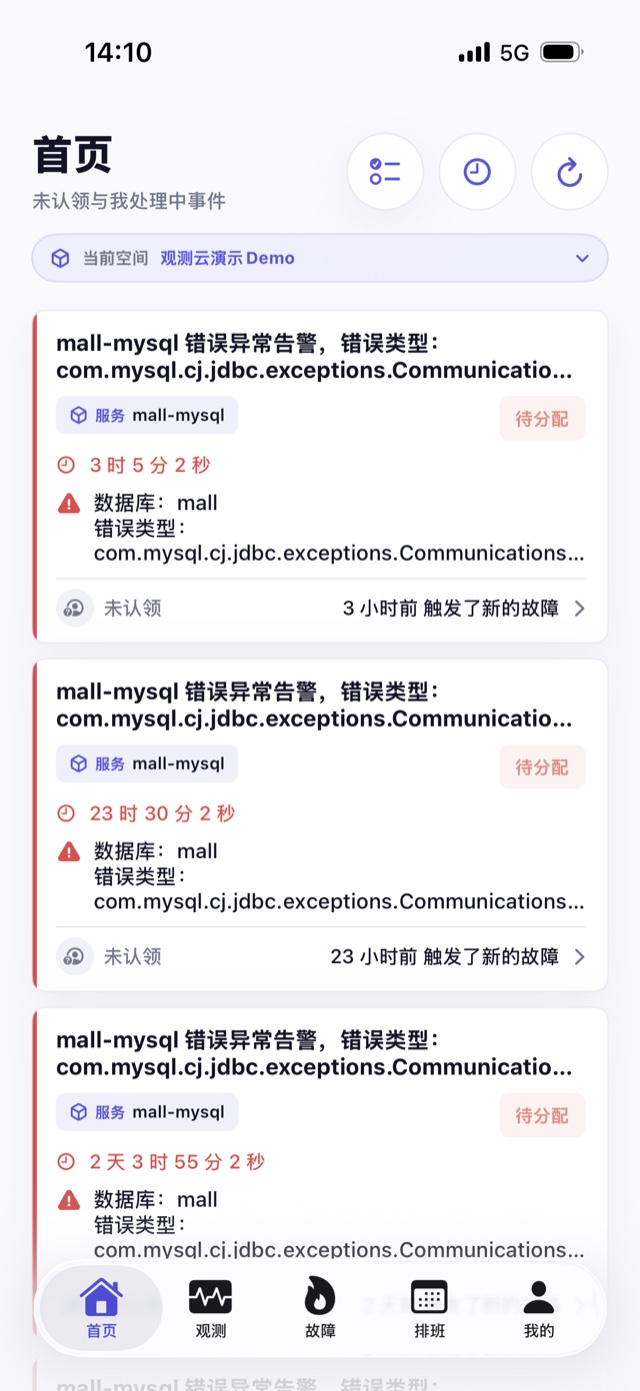
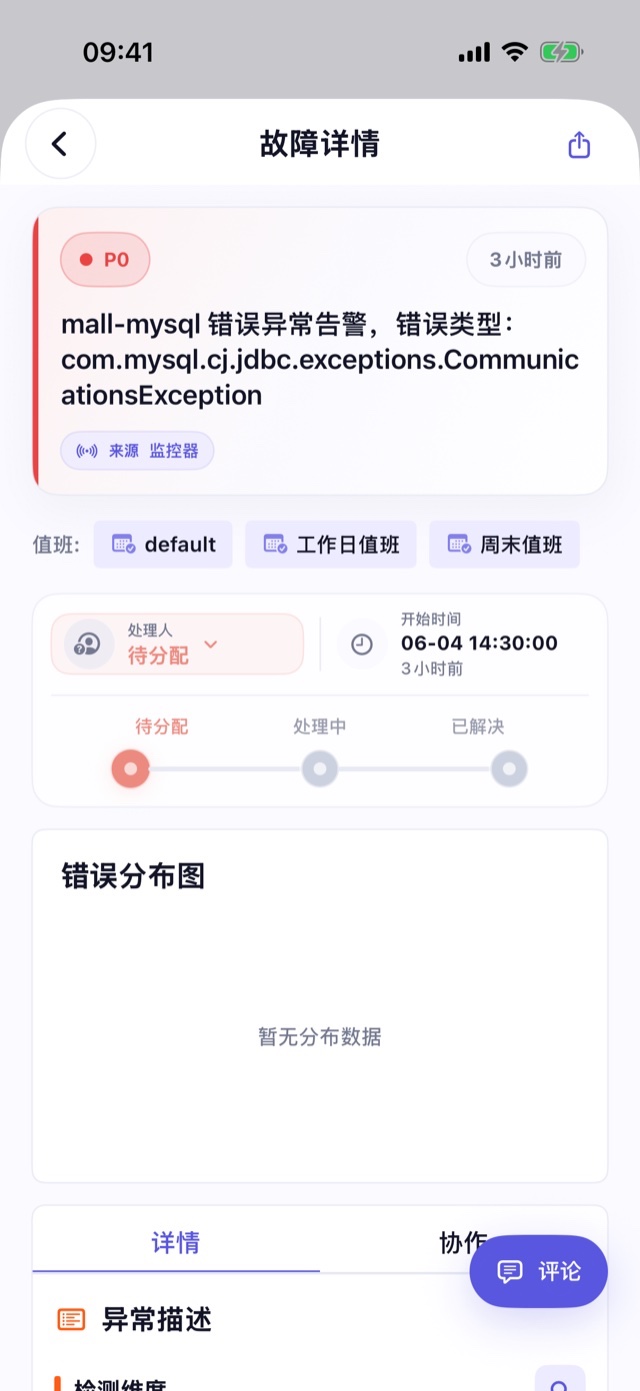
Home aggregates faults in the current workspace that are pending assignment, have been assigned to me, and have not yet been resolved. Duty personnel can view levels, statuses, handlers, and update times; after entering the details, they take over processing, adjust status, view fields and collaboration records, and continue advancing issues through comments and @mentions.
You can also continue viewing the full observational evidence without the computer
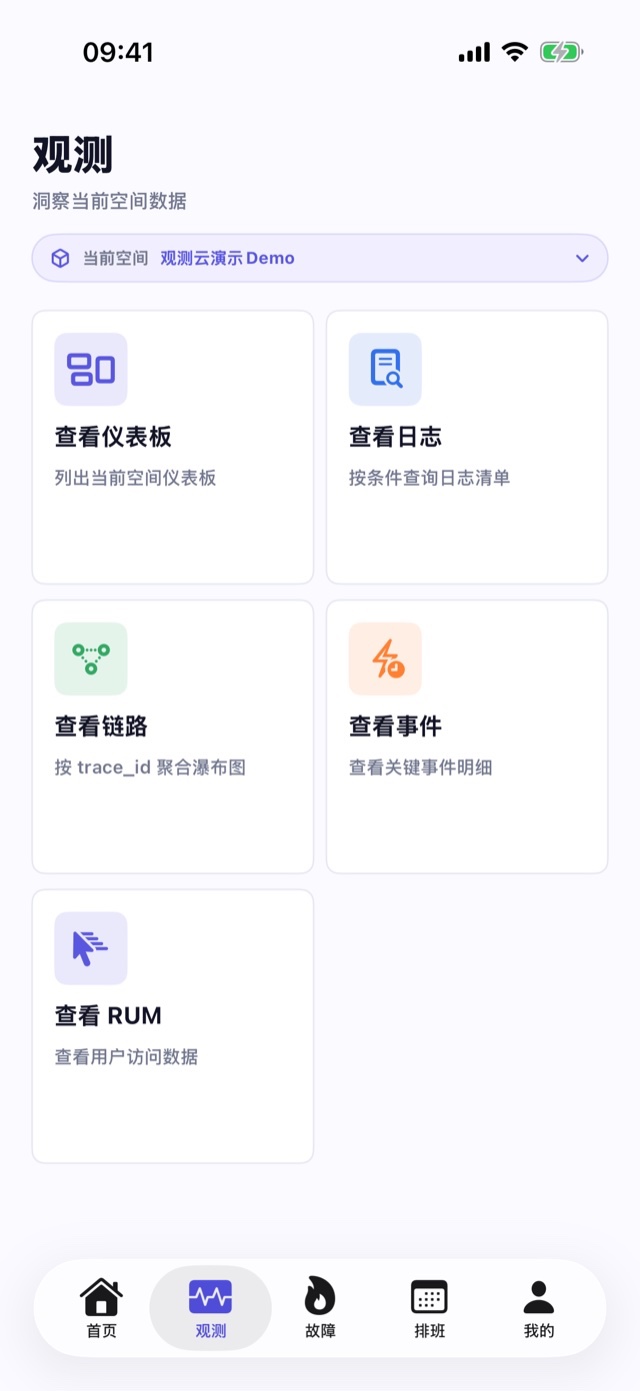
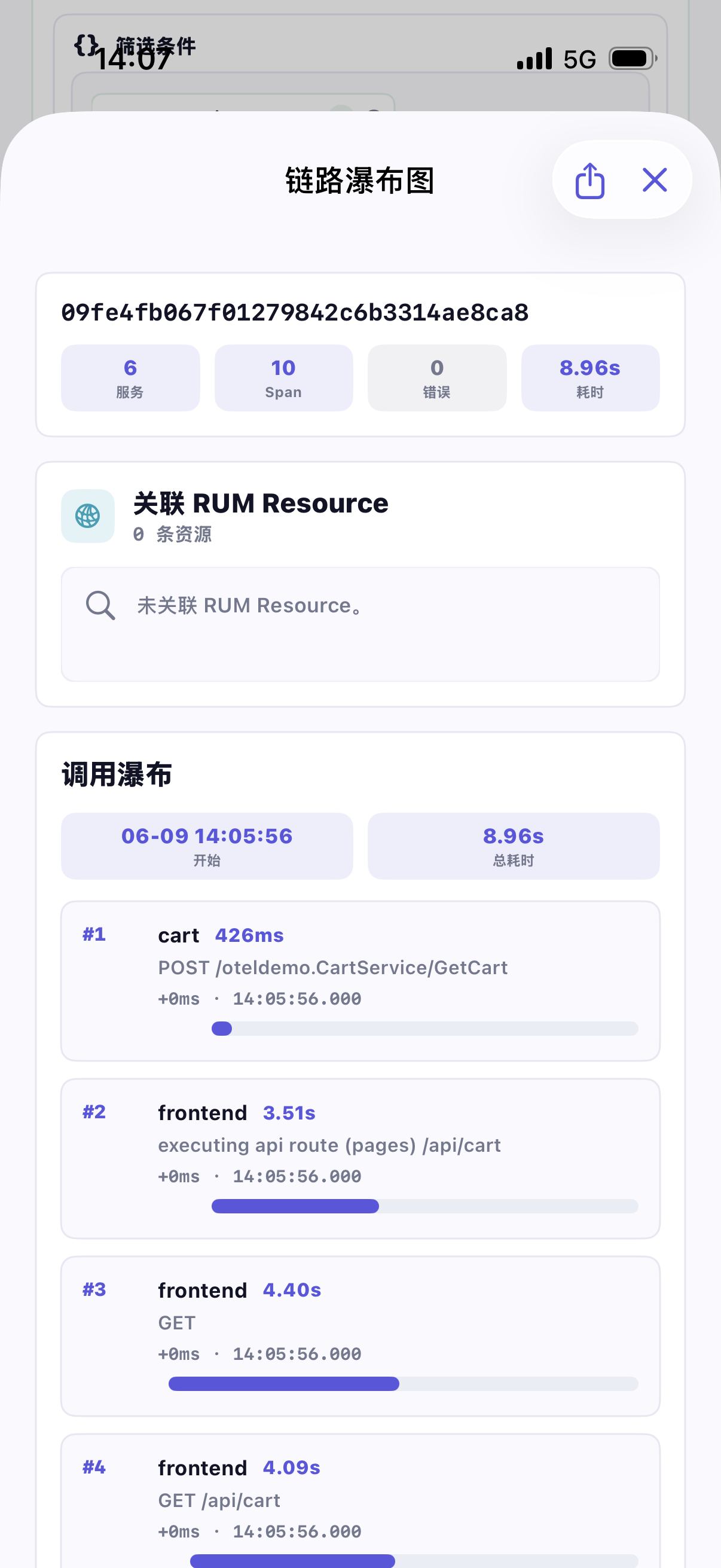
In the "Observation" entry, you can query logs, links, events, and RUM data. Records are filtered by keywords, field conditions, Trace ID, service, or status, then enter details to view fields, original content, associated resources, and trace waterfall charts, ensuring mobile judgments remain based on real sites.
Key dashboards can be viewed on the go, with time and variables available as usual
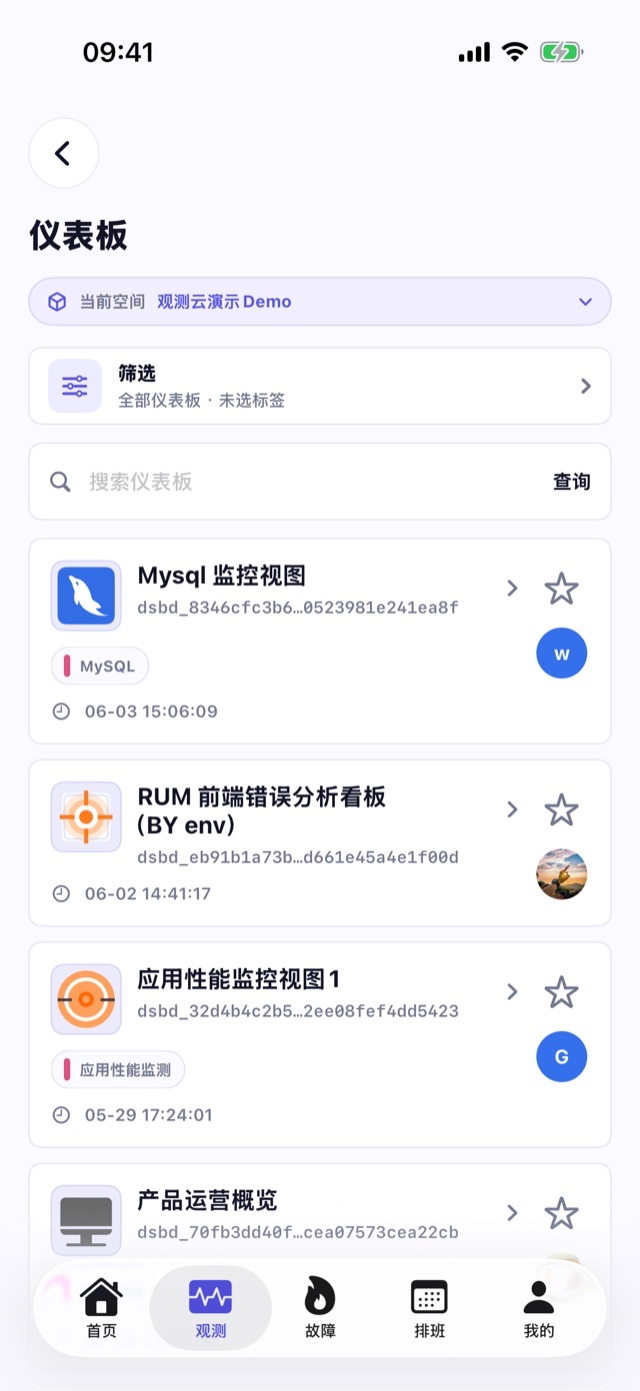
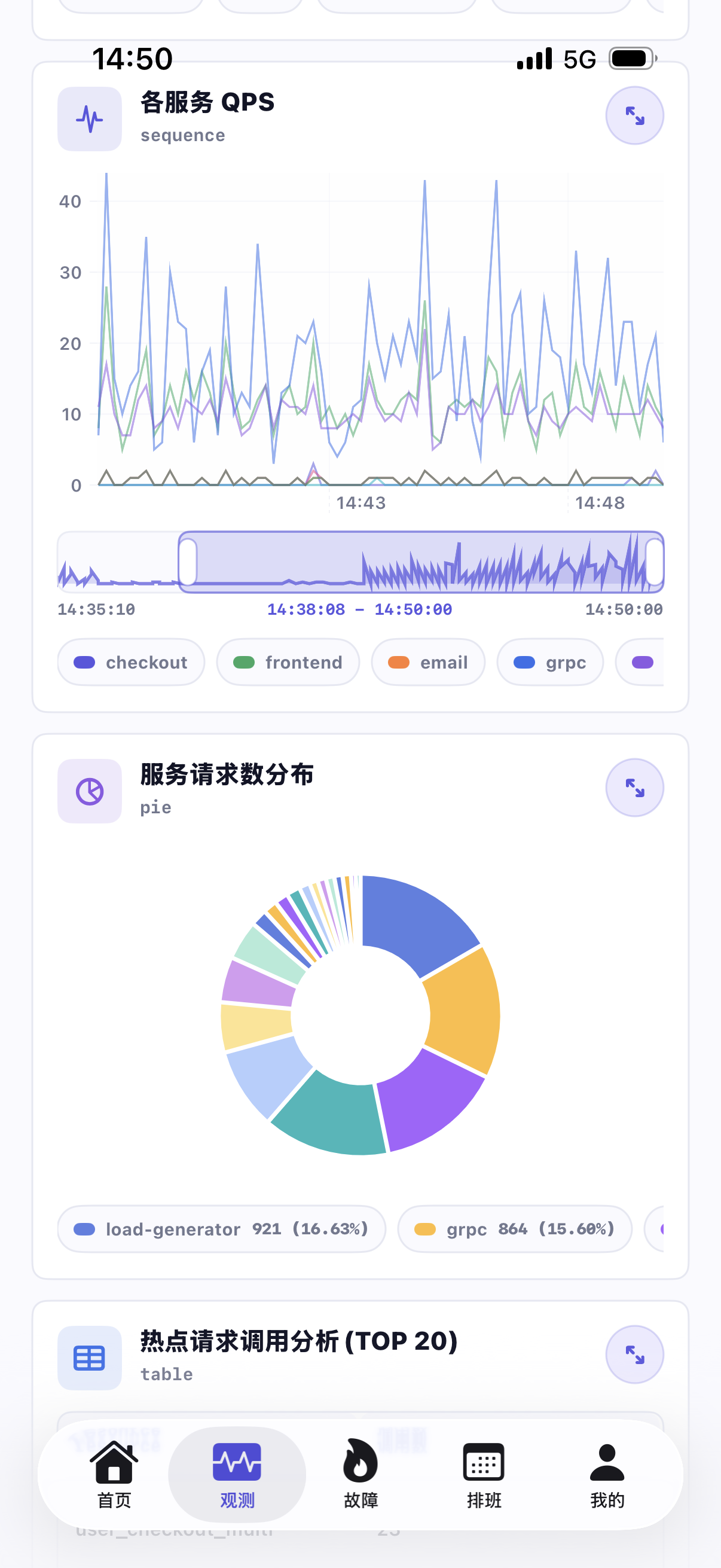
Mobile dashboards synchronize with web content, supporting search, favorites, tag filtering, time ranges, and dashboard variables. Teams can view charts, tables, leaderboards, and numerical components, zoom in on individual charts, and share current data context.
Duty shifts, notifications, and workspace collaboration are always online
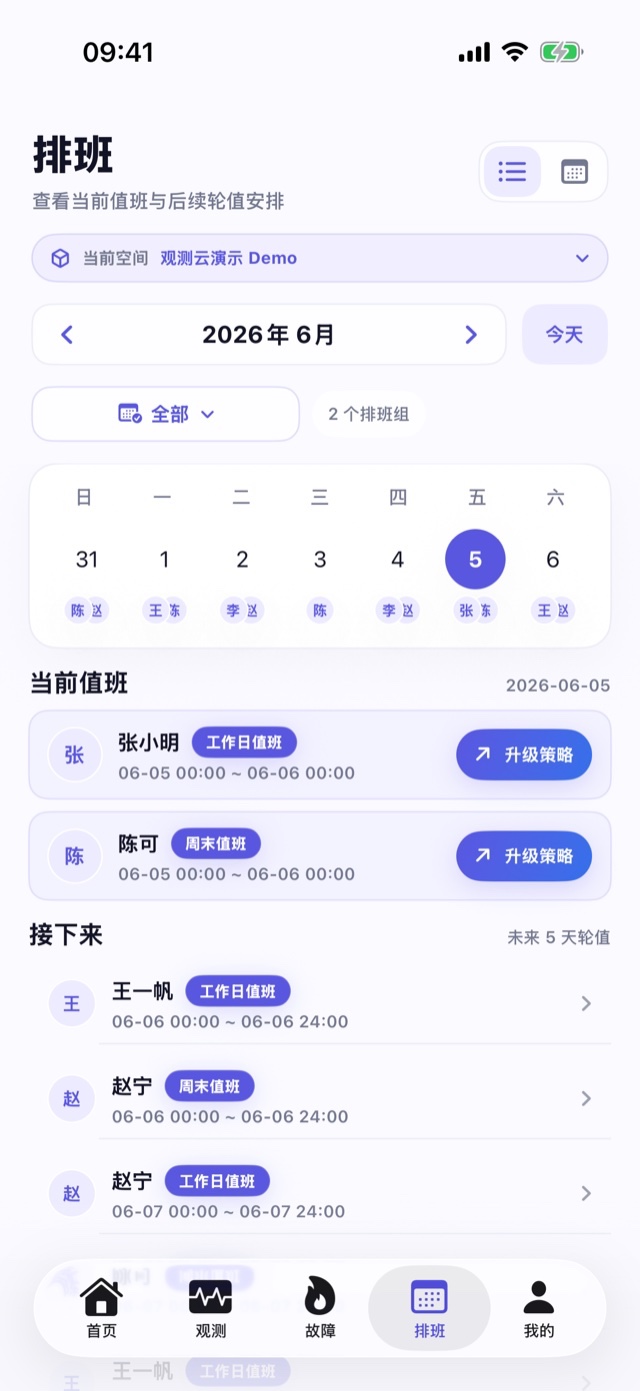
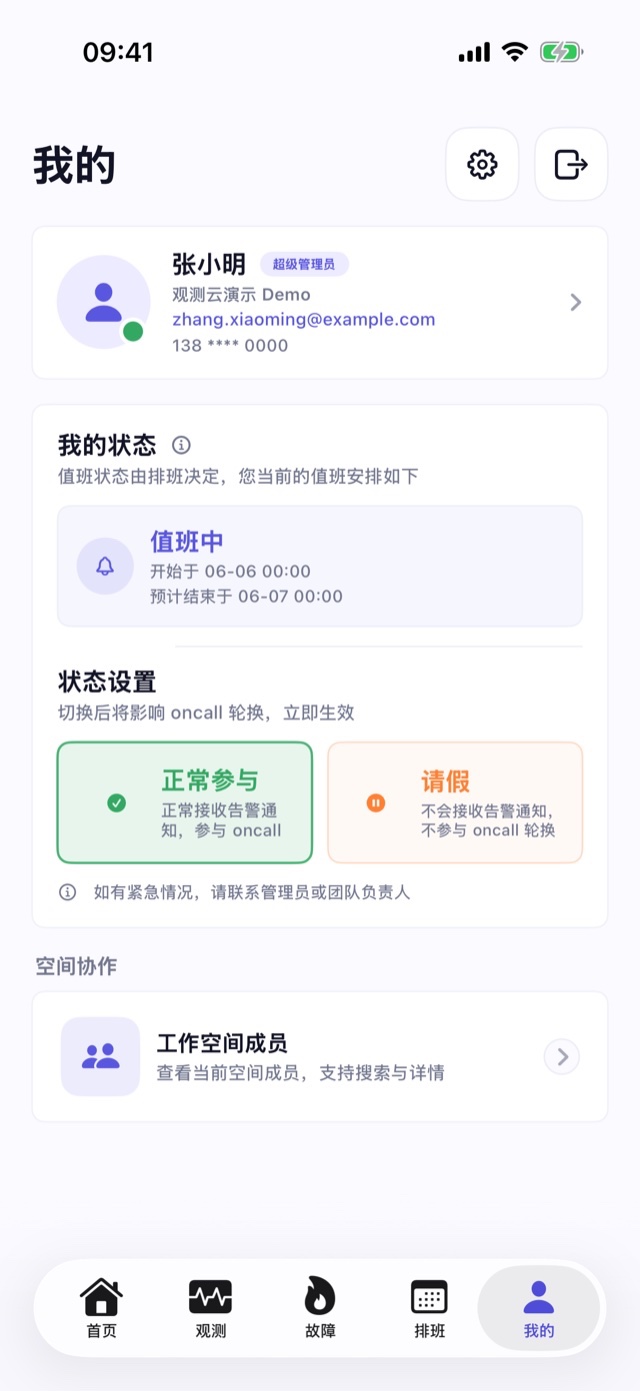
View scheduling groups, current duty personnel, and subsequent rotations by month, confirm upgrade policies, notification methods, and notification recipients. The app supports switching between multiple authorized workspaces and can manage fault push preferences, member information, language, appearance, and account security settings.

Frequently asked questions

What faults can the Guance mobile app handle?

You can view and search for faults, take over pending faults, adjust handling status, view fault details and fields, read collaboration timelines, post comments, @ workspace members, and share fault links.

What observation data can be viewed on mobile devices?

You can view dashboards and query logs, links, events, and RUM data. Queries support time range, keyword, and field filtering, and link details support Trace waterfall charts and Span context.

Does it support commercial editions, free versions, and private sites?

Existing free and commercial versions of accounts can log in via their respective sites; Users deploying privately can also add accessible HTTPS Console addresses or site directories and use site configuration to support login methods.

Can you continue to check the same issue between your phone and computer?

Yes, you can. Pages for faults, dashboards, logs, links, events, and RUM support sharing and deep linking; If the Apple Handoff condition is met, you can continue to view the same fault or observation data between iOS and macOS.

The alarm has arrived, so the next step is not to wait until you return to the computer

Book a demo

Let the team keep working at any time

Get started > View documentation > View pricing >