Contact us

Join the community

Scan with WeChat
Join the official community group

Try Guance

Start online with usage-based pricing and a true cloud service.

Get started

Choose a Guance edition

Code repositories

Alerting / Anomaly Detection

Monitoring alerts

Guance monitoring alerts transform metrics, logs, links, events, availability, and business data into responsive anomaly detection rules, helping SRE, operations, and R&D teams reduce alarm noise and address real business-impacting issues faster through hierarchical alerts, event aggregation, and multi-channel notifications.

Monitoring alerts
Book a demo

Monitoring alerts address certain issues

Connecting anomaly detection, notification reach, and event analysis into a closed loop

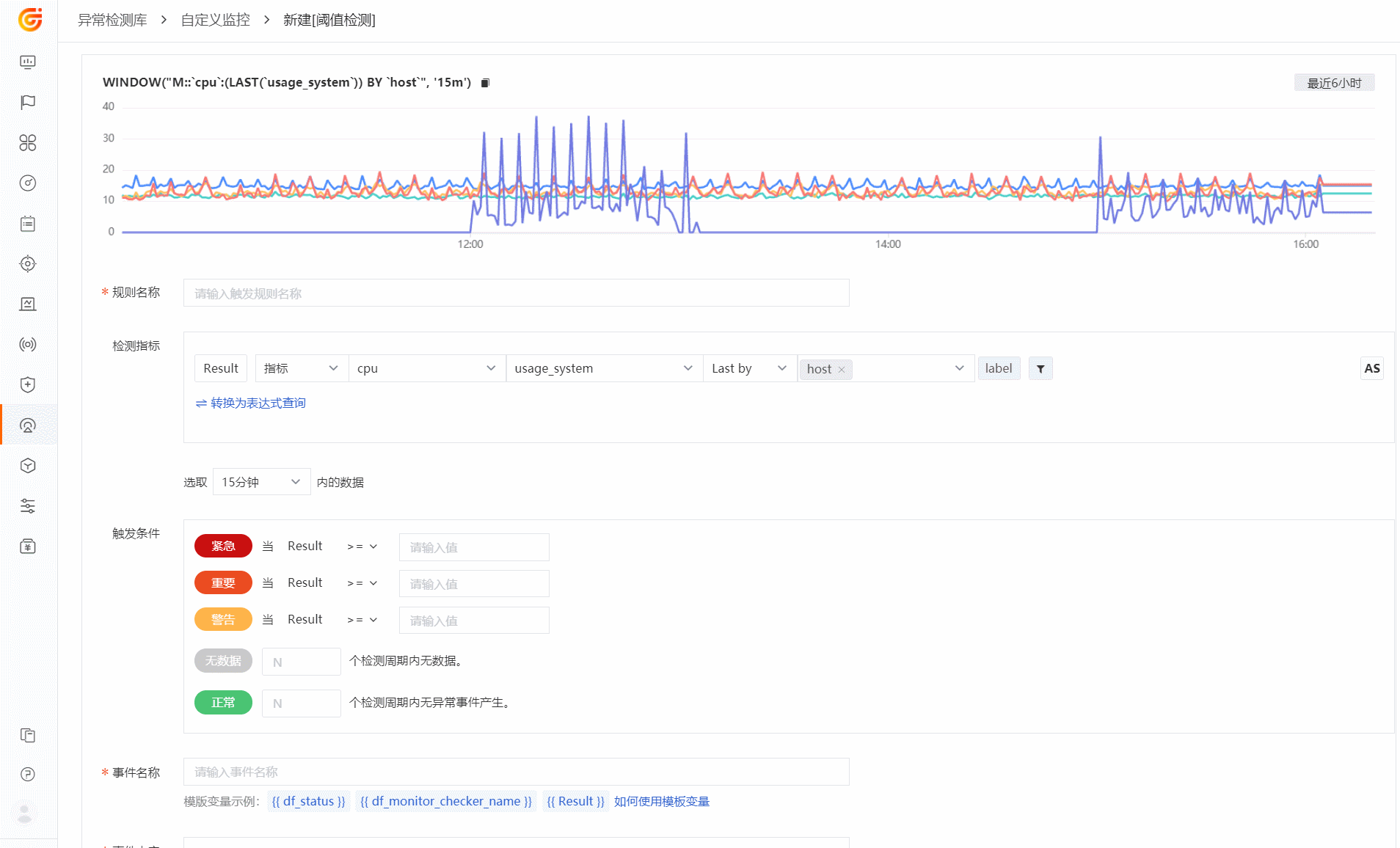
The value of alerts goes beyond just reminders; they help teams identify issues earlier, prioritize them, and move them into the workflow. Guance monitoring alerts support threshold, mutation, log, DQL, and multi-source detection, associating alert events with logs, links, resources, and event centers to reduce invalid notifications and duplicate checks.

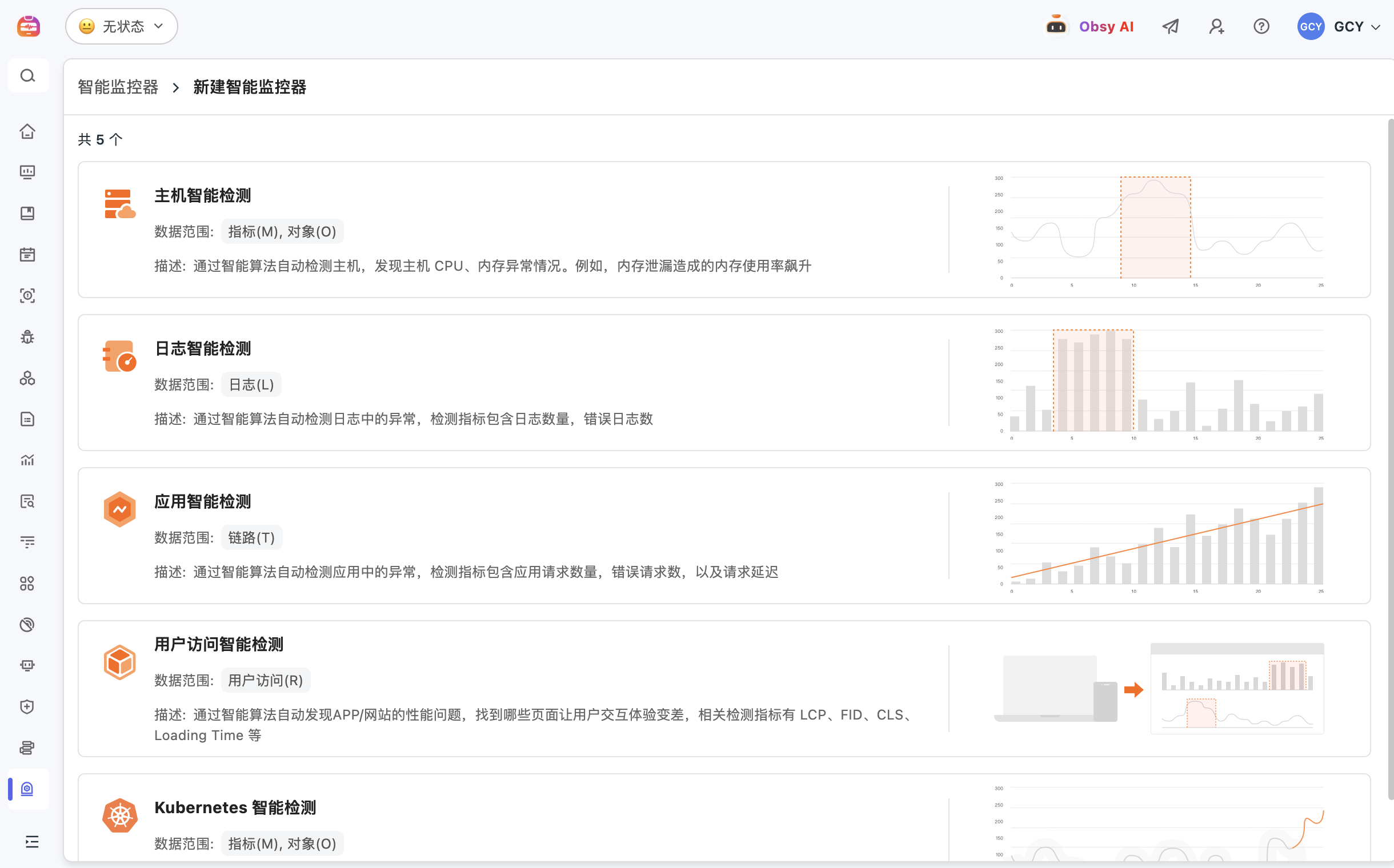
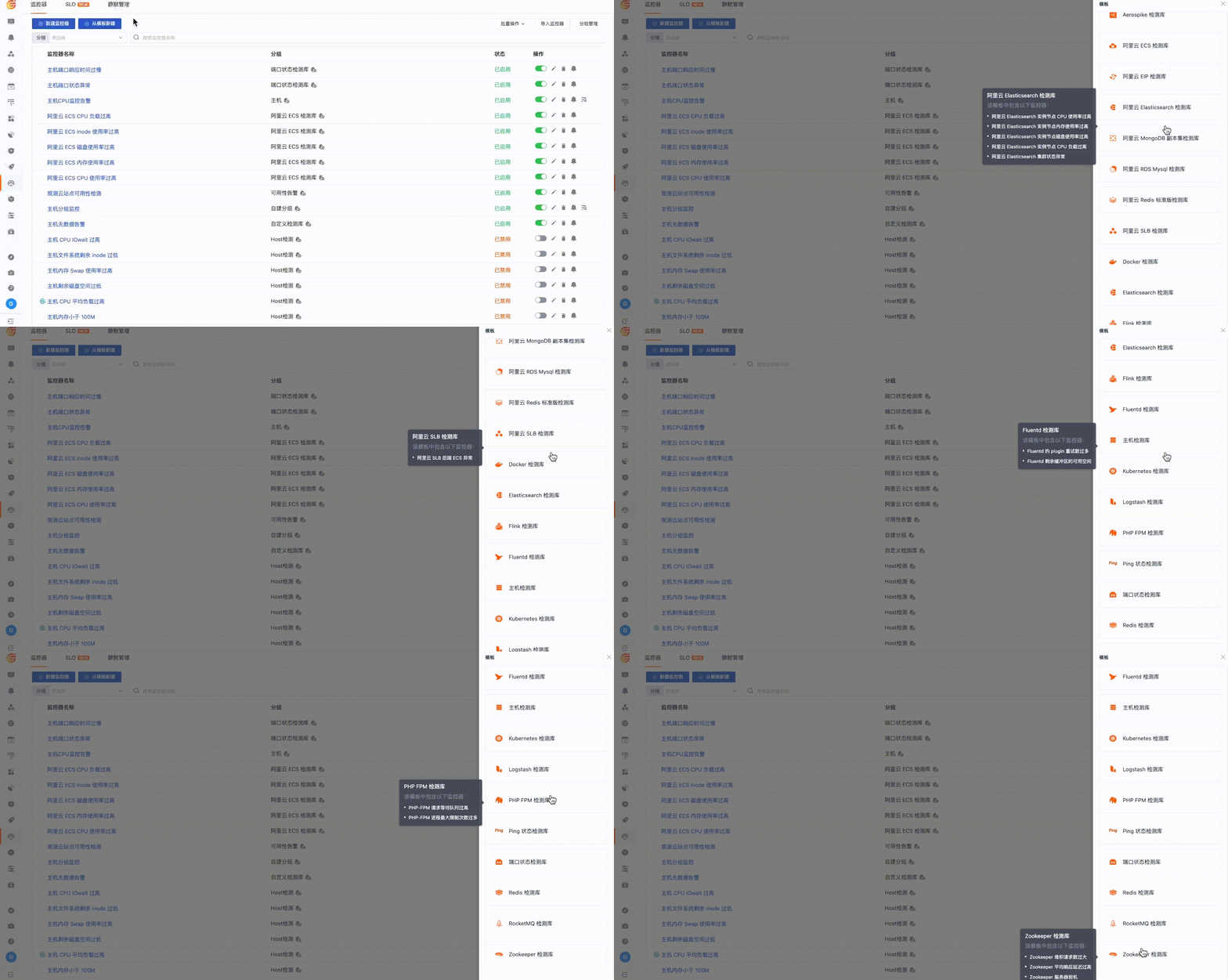
Not sure what to monitor? Use built-in detection libraries to first cover core risks
Guance common detection templates such as built-in host CPU, memory, disk, ports, containers, applications, logs, and availability. Teams can quickly activate basic rules and then add custom inspections based on business services, key interfaces, log fields, and SLO objectives.
Not sure what to monitor? Use built-in detection libraries to first cover core risks
Alerts should reach the right people, not wake everyone up
Monitoring and alerts support multi-level alerts, recovery notifications, silence policies, and multi-channel reach, and can notify relevant teams via email, SMS, Feishu, DingTalk, WeCom, and other methods. Alert rules can be configured by business, environment, service, and responsible person, reducing disturbances to unrelated personnel.
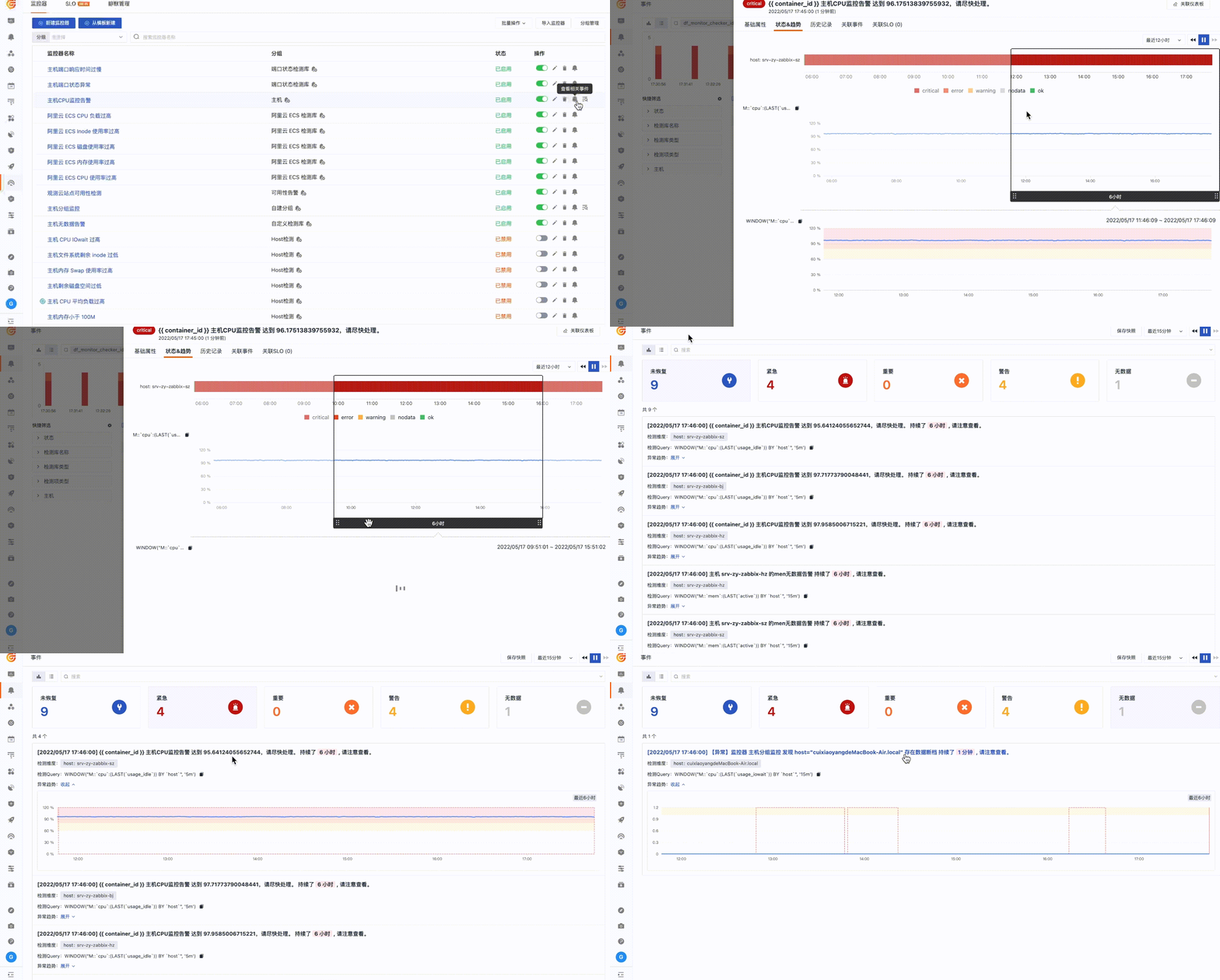
After receiving the alert, continue to review logs, links, resources, and change context
Once triggered, the alarm is stored as an event, and the team can continue to view related logs, APM Traces, infrastructure metrics, network data, and change records in the event details. For repeated alerts and event storms, aggregate analysis can also be used to determine whether they belong to the same impact area.
After receiving the alert, continue to review logs, links, resources, and change context

Frequently asked questions

What is a monitoring alert?

Monitoring alerts are used to turn anomalies in metrics, logs, links, availability, and business data into notifications and events, helping teams identify issues promptly and move them into response processes.

Which alert rules Guance supported?

Guance supports threshold detection, mutation detection, log detection, DQL queries, custom queries, and multiple built-in detection templates, suitable for infrastructure, applications, logging, networking, availability, and business data scenarios.

How can alarm noise be reduced?

Duplicate notifications can be reduced through alert levels, silence policies, recovery notifications, event aggregation, responsible person routing, and business tags, allowing alerts to reach those who need to be handled more accurately.

How to continue troubleshooting after an alarm is triggered?

Alerts enter the event center and can be linked to logs, traces, metrics, infrastructure, networks, and change context, helping teams continue to locate the scope and possible causes of anomalies.

Explore more

Resources and further reading

Choose the next step from product documentation, related solutions, and technical guidance.

Related reading

Selected product practices, troubleshooting guidance, and technical solutions

A powerful log viewer to support data linkage analysis

A powerful log viewer to support data linkage analysis

Guance viewer's powerful query filtering and search functions help users quickly and accurately retrieve data and locate faults. The log viewer not only helps us collect and manage various log files, but also enables correlation analysis with multi-party data, providing users with more comprehensive and accurate data information to support efficient decision-making.

Product capabilities
Leverage Guance to build a unified enterprise-level log center

Leverage Guance to build a unified enterprise-level log center

Guance adheres to the philosophy of "unified collection, unified processing, and unified analysis," building an efficient observation data analysis platform. This article Guance how to help enterprises quickly and effectively build unified log centers through the various processes of log collection, processing, storage, and analysis.

Best practices
Pipeline helps you easily manage massive amounts of data!

Pipeline helps you easily manage massive amounts of data!

Data governance has become crucial in today's information age. As the volume of data continues to grow and diversify, organizations need to effectively manage and utilize this data to support business decisions and innovative development. Whether for data analysis or parsing, using Pipeline helps organizations automate and standardize data governance; Providing organizations with clearer and more actionable data views to strongly support data governance.

Product capabilities
Guance VS ELK: Who is the king of log monitoring?

Guance VS ELK: Who is the king of log monitoring?

This article provides a detailed analysis of Guance and ELK from multiple dimensions including data collection, data storage, data query, data visualization, and usage costs, providing a reference for users when making a choice.

Industry insights

Want to see how surveillance alerts affect your business system?

Book a demo