Frequently asked questions
Where do I create an AI monitor?
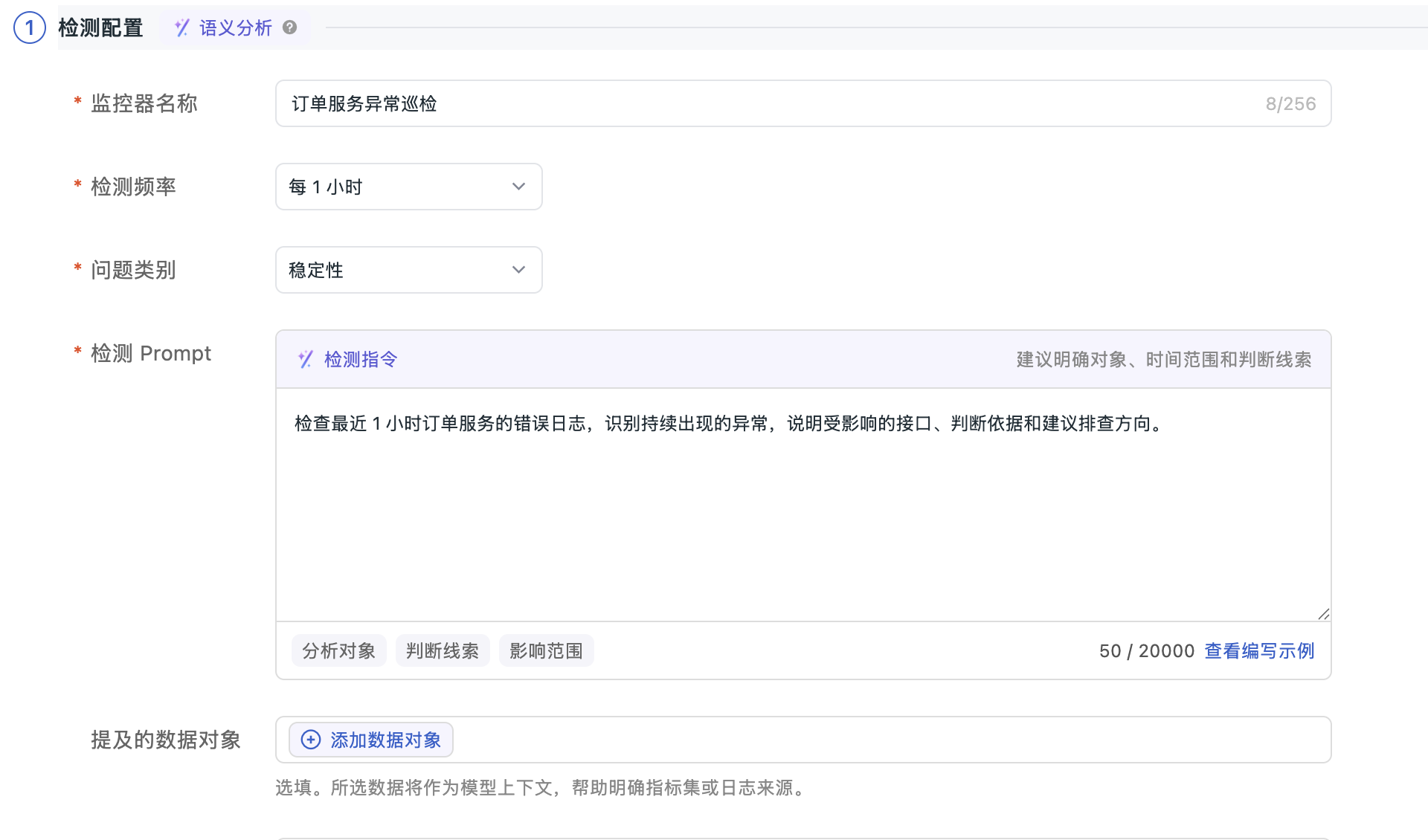
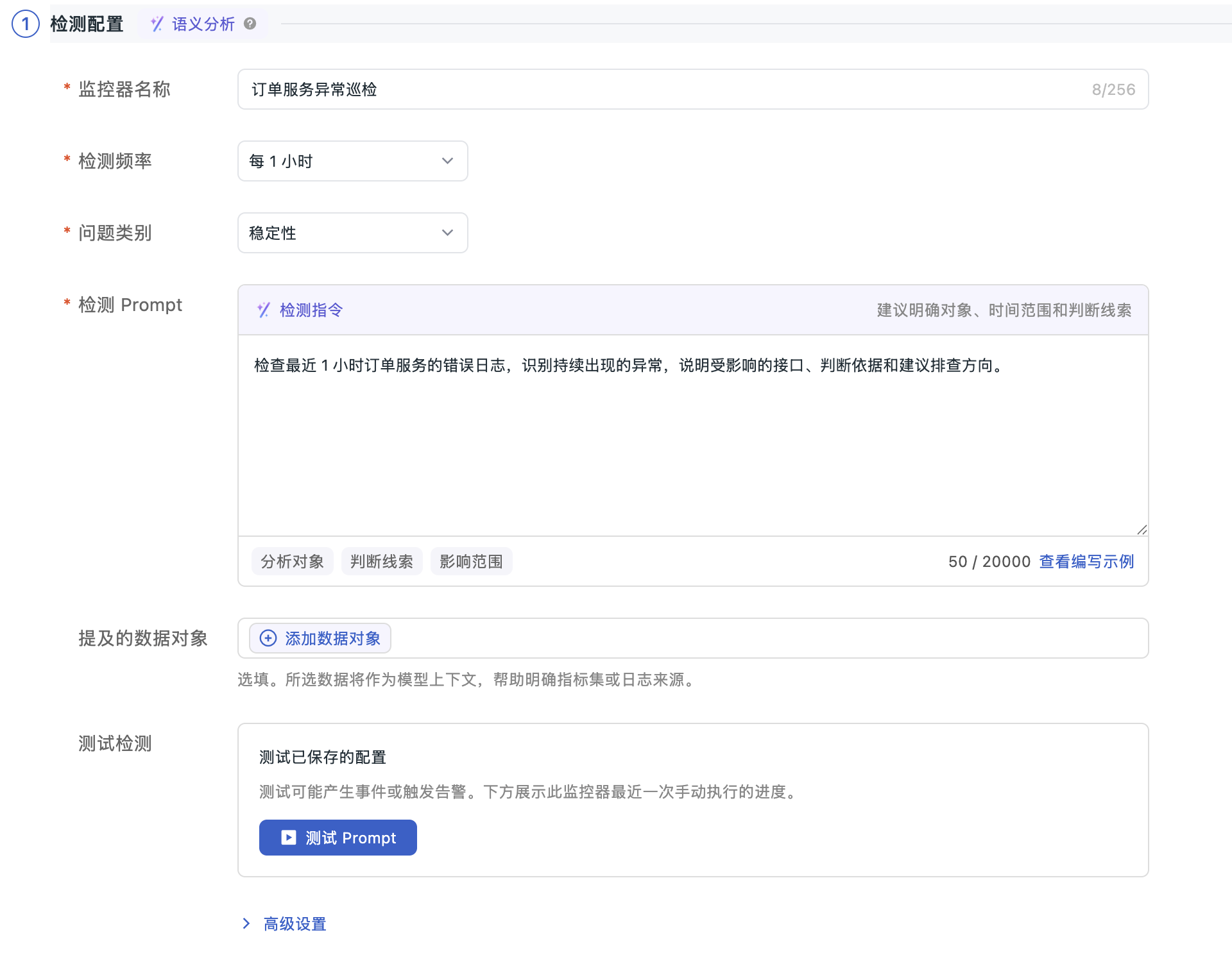
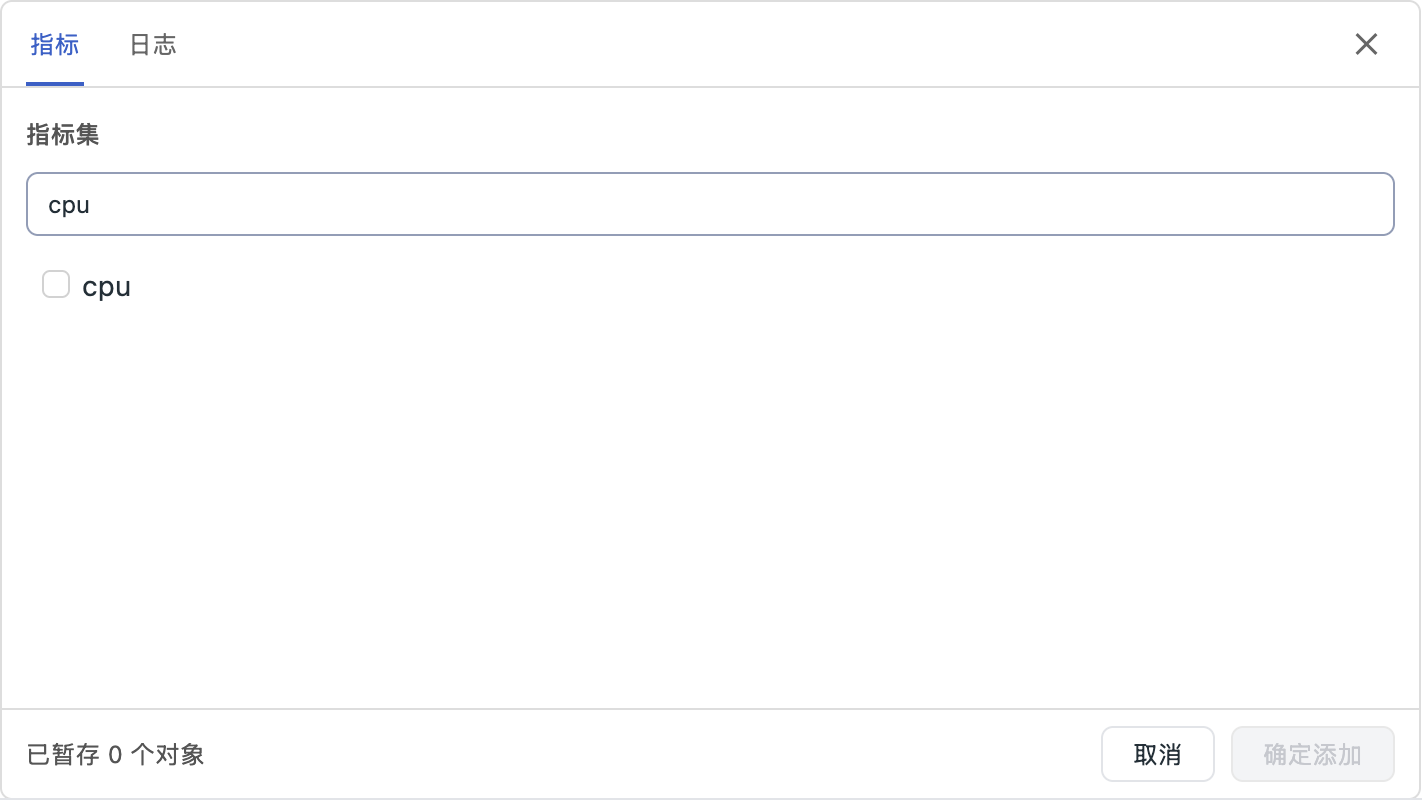
In the Guance console, open Monitoring > AI Monitor and create a monitor. Enter its name, detection frequency, problem category and prompt. Add data objects as needed, then configure alert policies and permissions.
How do I make the detection goal specific?
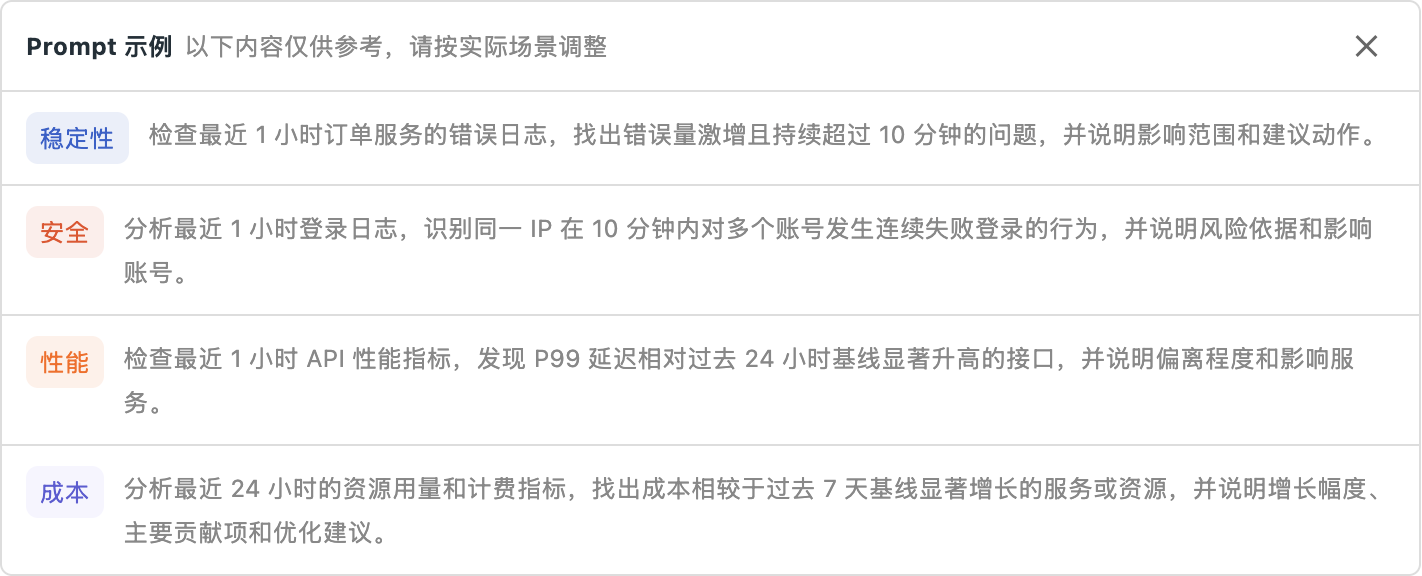
State the objects, time window, clues and expected output. For example, examine order-service error logs from the last hour, identify recurring anomalies, and explain affected endpoints, supporting evidence and suggested next steps. Adapt built-in examples to your data.
How does this differ from using AI to generate detection rules?
AI Semantic Monitor repeatedly analyzes data according to your goal and schedule. Natural-language rule generation helps configure detection rules. Choose the approach that fits how you express the problem and what you need to monitor.
Can testing a prompt create real events?
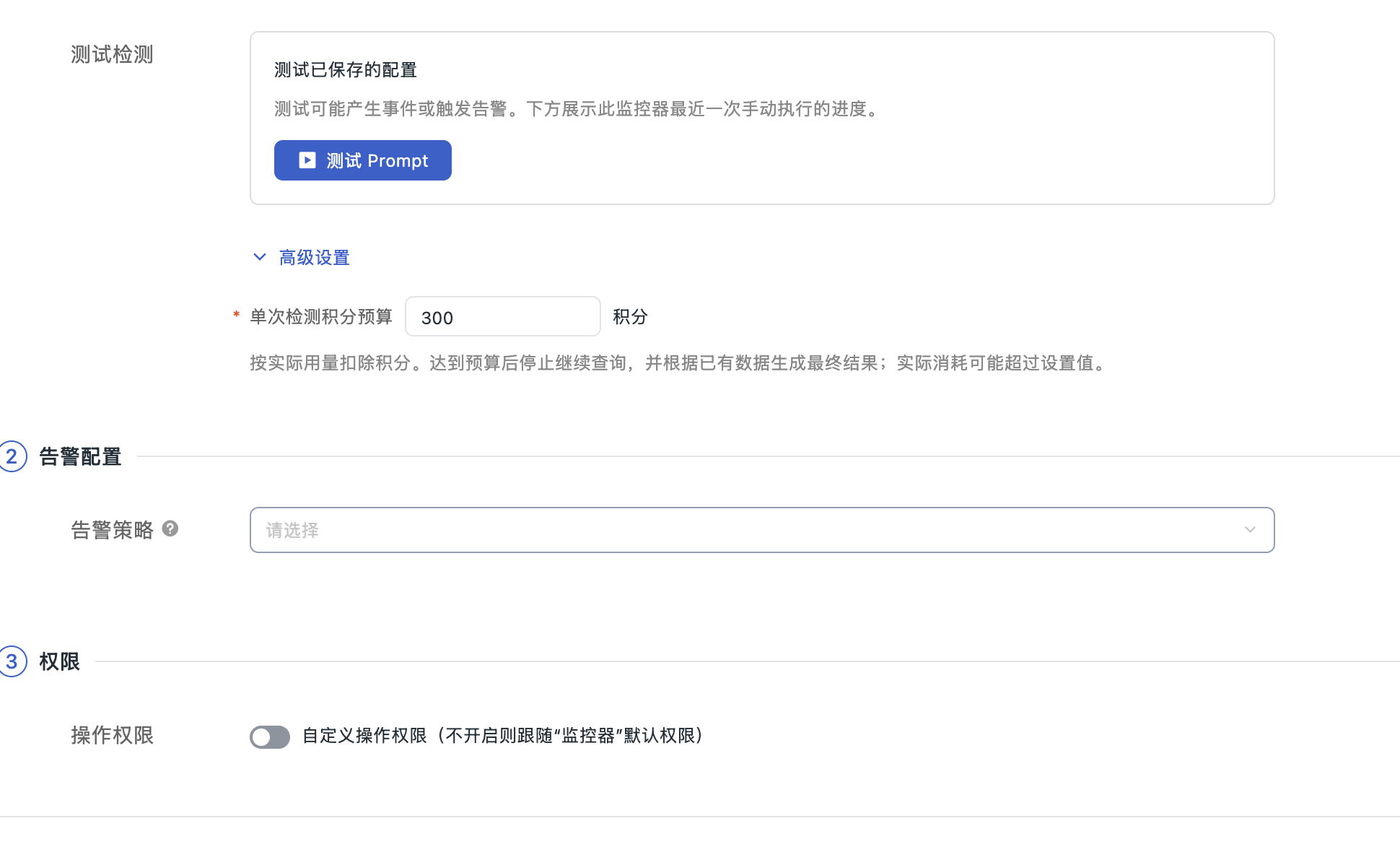
Yes. Tests run against saved configurations and may generate events and send alert notifications. Check the data scope and alert policy before testing, then refine the prompt using execution progress and results.
How are analysis costs and results managed?
Advanced settings provide a credit budget per check, with credits deducted for actual usage. At the budget limit, further queries stop and results use the data already collected; actual usage may exceed the configured budget. Review analysis and alert notifications in the event details.