Session Replay

Reproduce the user journey behind a slow or failed interaction

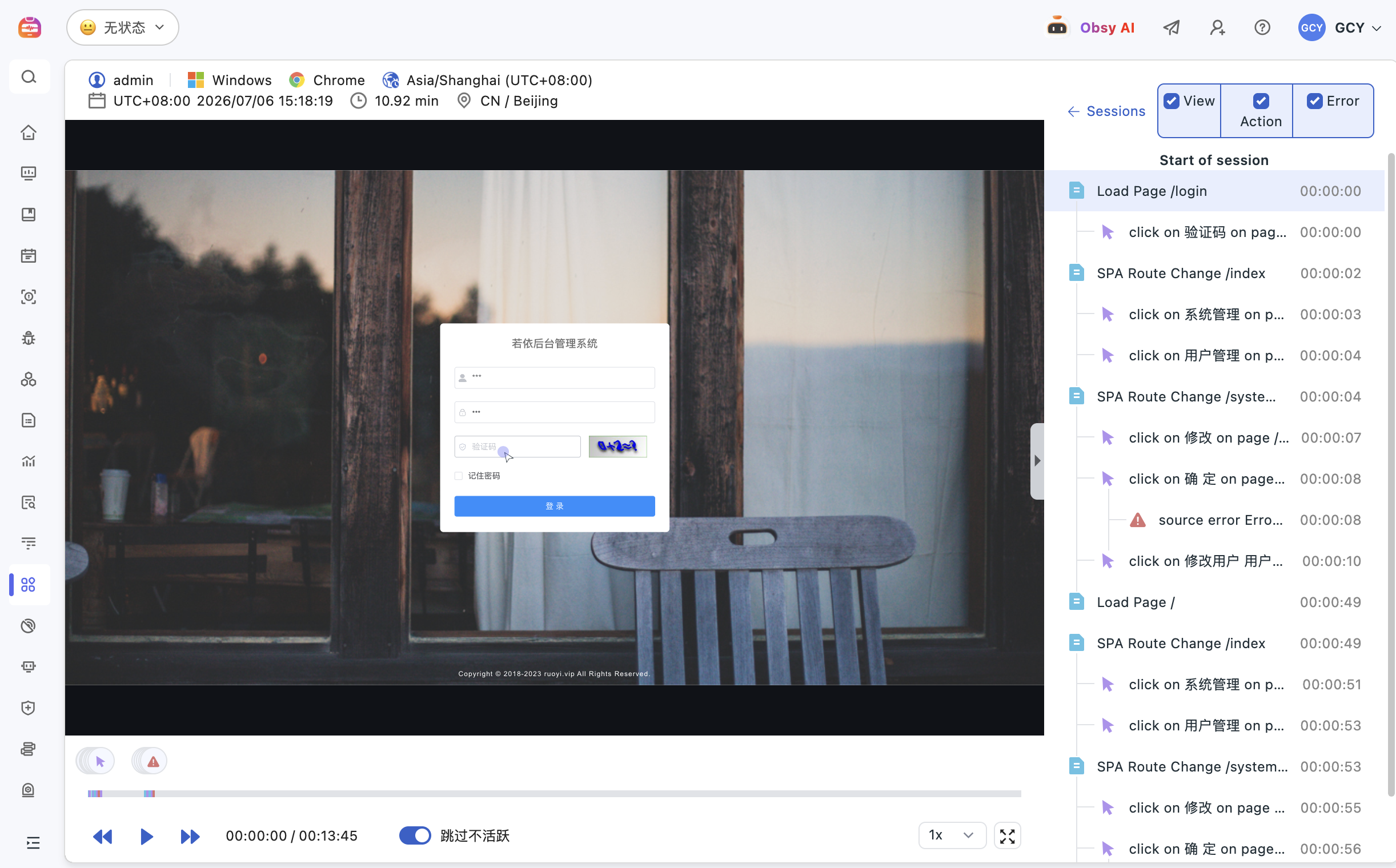
Guance Session Replay recreates web, Android, iOS, and React Native user journeys and aligns clicks, navigation, requests, errors, RUM data, APM traces, and logs. Product, support, and engineering teams can see what happened before a failure and investigate it with the surrounding technical context.

Reproduce the user journey behind a slow or failed interaction

What Session Replay helps you solve

Turn “the page stopped working” into a reproducible investigation

Screenshots and verbal reports rarely preserve the sequence that caused a failure. Session Replay shows the actions immediately before and after it, while correlated errors, requests, traces, and logs help teams distinguish a confusing interaction from frontend, API, or downstream failure.

A user says “nothing happened.” Replay the exact path
Recreate clicks, gestures, navigation, form interactions, and the events around a failure. Product, support, and engineering teams can see where the journey stalled and filter by device, version, page, user, or environment.
View documentation
A user says “nothing happened.” Replay the exact path
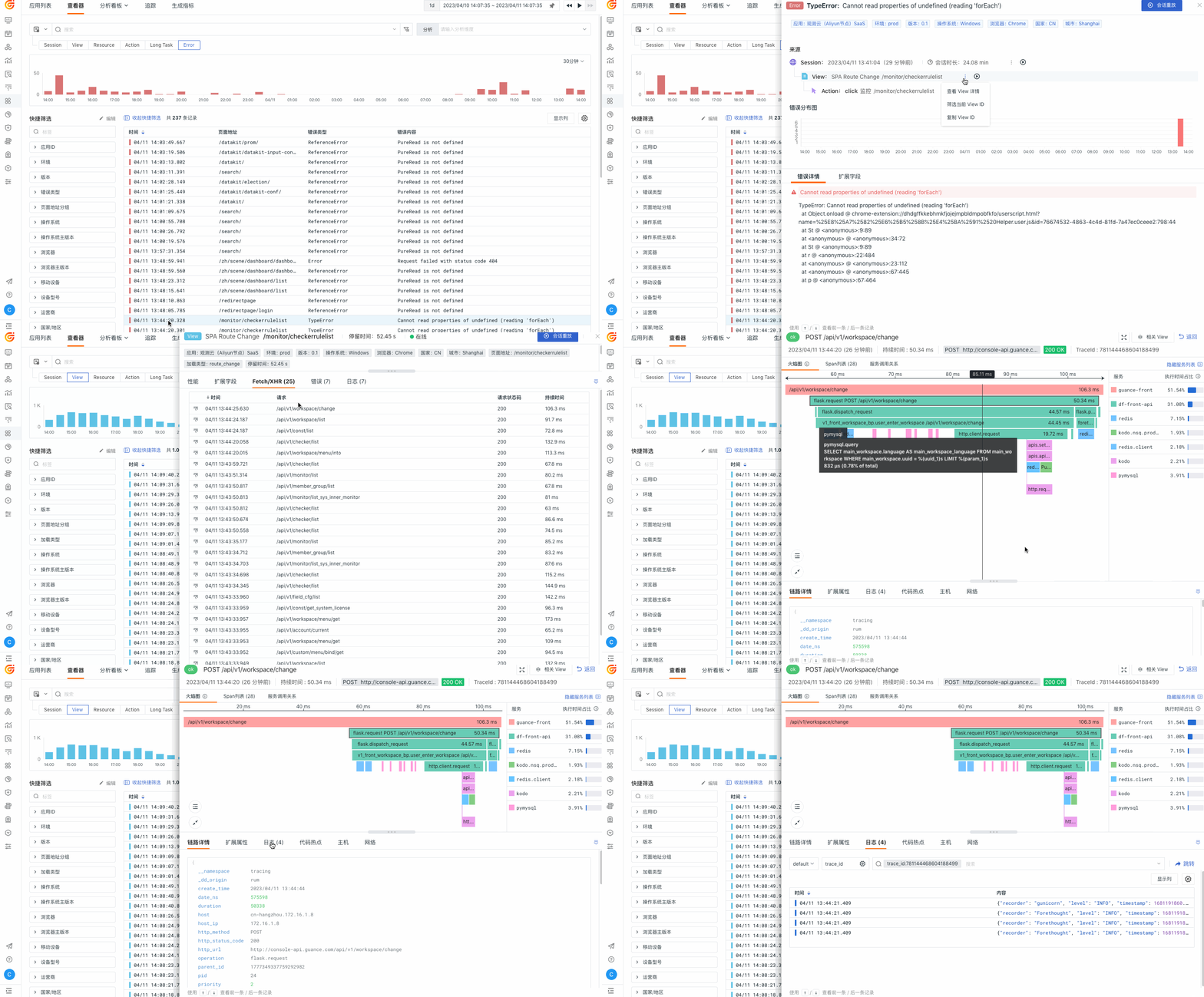
Continue from the replay into the error, request, trace, and logs
Treat the replay as investigation context rather than an isolated recording. Connect the affected session to RUM performance, frontend errors, resource requests, APM traces, and logs to determine whether ownership belongs to the interface, API, or downstream service.
View documentation
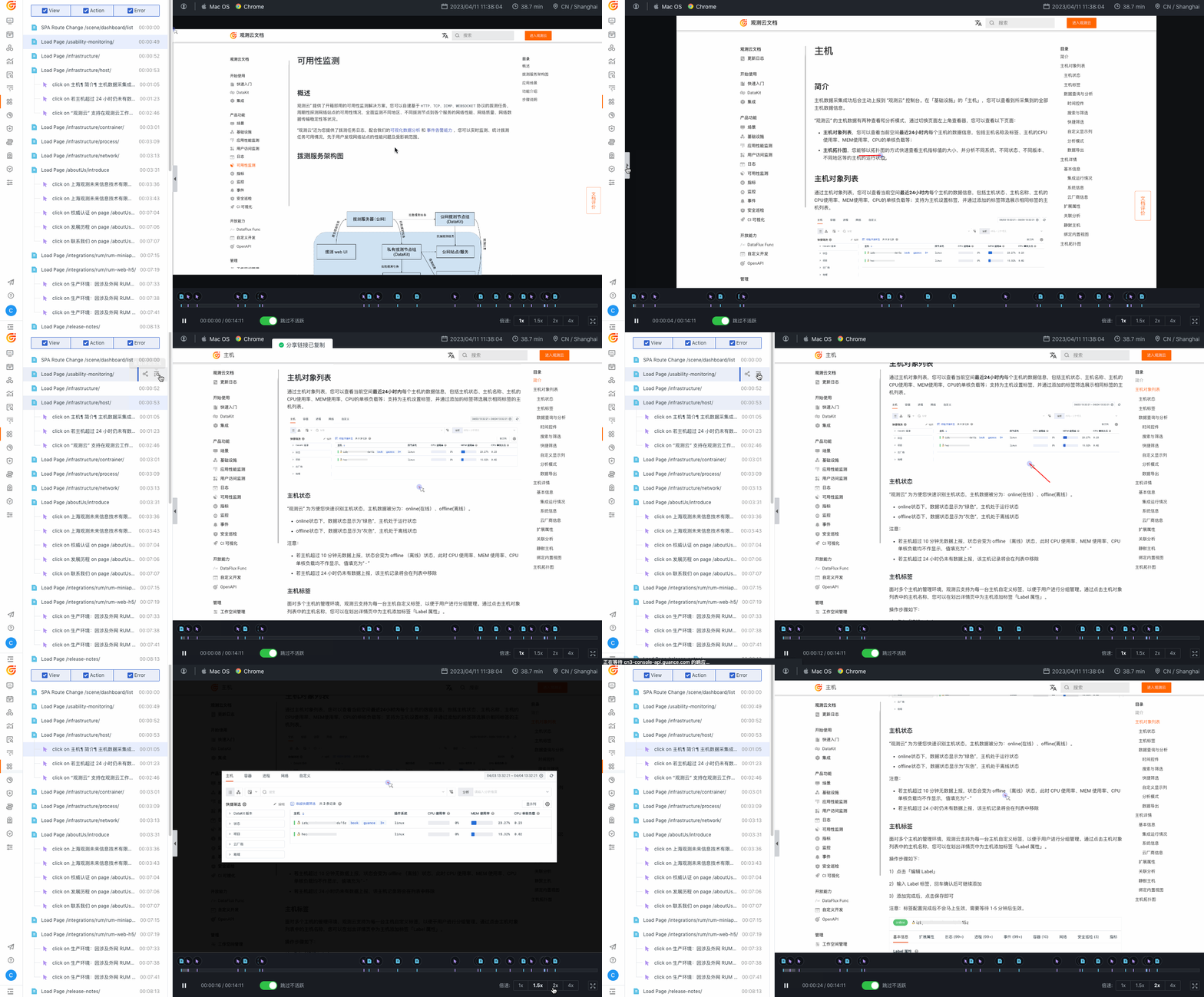
Explain why users abandon a journey instead of only watching recordings
Compare replays with user actions, business events, and RUM performance. Identify dead clicks, stalled forms, slow pages, unclear feedback, and other friction that can affect completion and conversion.
View documentation
Explain why users abandon a journey instead of only watching recordings
Preserve diagnostic value while controlling sensitive data
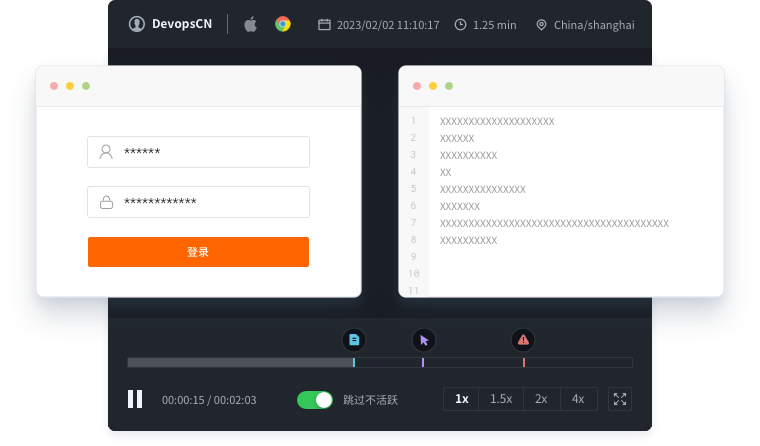
Use sampling, input masking, element hiding, and collection-scope controls according to the application’s privacy policy. Teams can retain useful interaction evidence without treating every field or session as appropriate to record.
View documentation

Frequently asked questions

What is Session Replay?

Session Replay recreates a user’s interaction with a web or mobile application, including clicks, gestures, navigation, requests, and errors. It adds qualitative journey context to RUM performance and behavior data.

Which problems can Session Replay help investigate?

It is useful for stalled pages, unresponsive controls, failed forms, frontend errors, resource failures, app crashes, confusing flows, and conversion drop-off where the sequence of user actions matters.

How does Session Replay work with RUM and APM?

RUM supplies session, performance, action, and error context. When propagation and tagging are configured, an affected request can continue into its APM trace, logs, and dependencies.

How should teams protect privacy in Session Replay?

Use explicit sampling, input masking, element-hiding, access, and retention policies. The appropriate settings depend on the application, data classification, jurisdiction, and internal privacy requirements.


Related reading

Connect the replay to performance, errors, and backend ownership

Explore RUM, Mobile RUM, APM, digital experience, documentation, and pricing.

Get started > View documentation > View pricing >