Guance Notes

Keep investigation evidence and decisions with the data

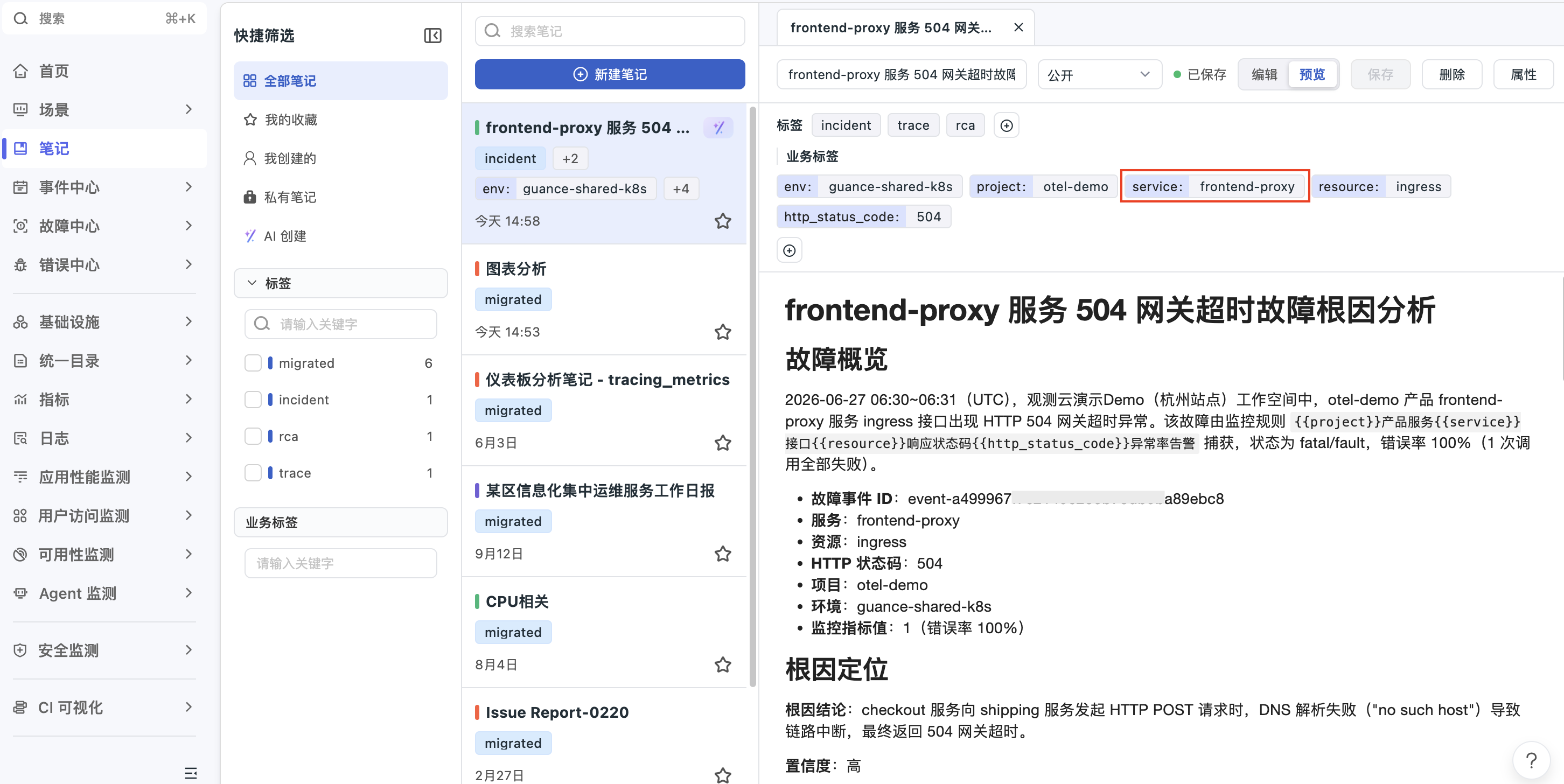
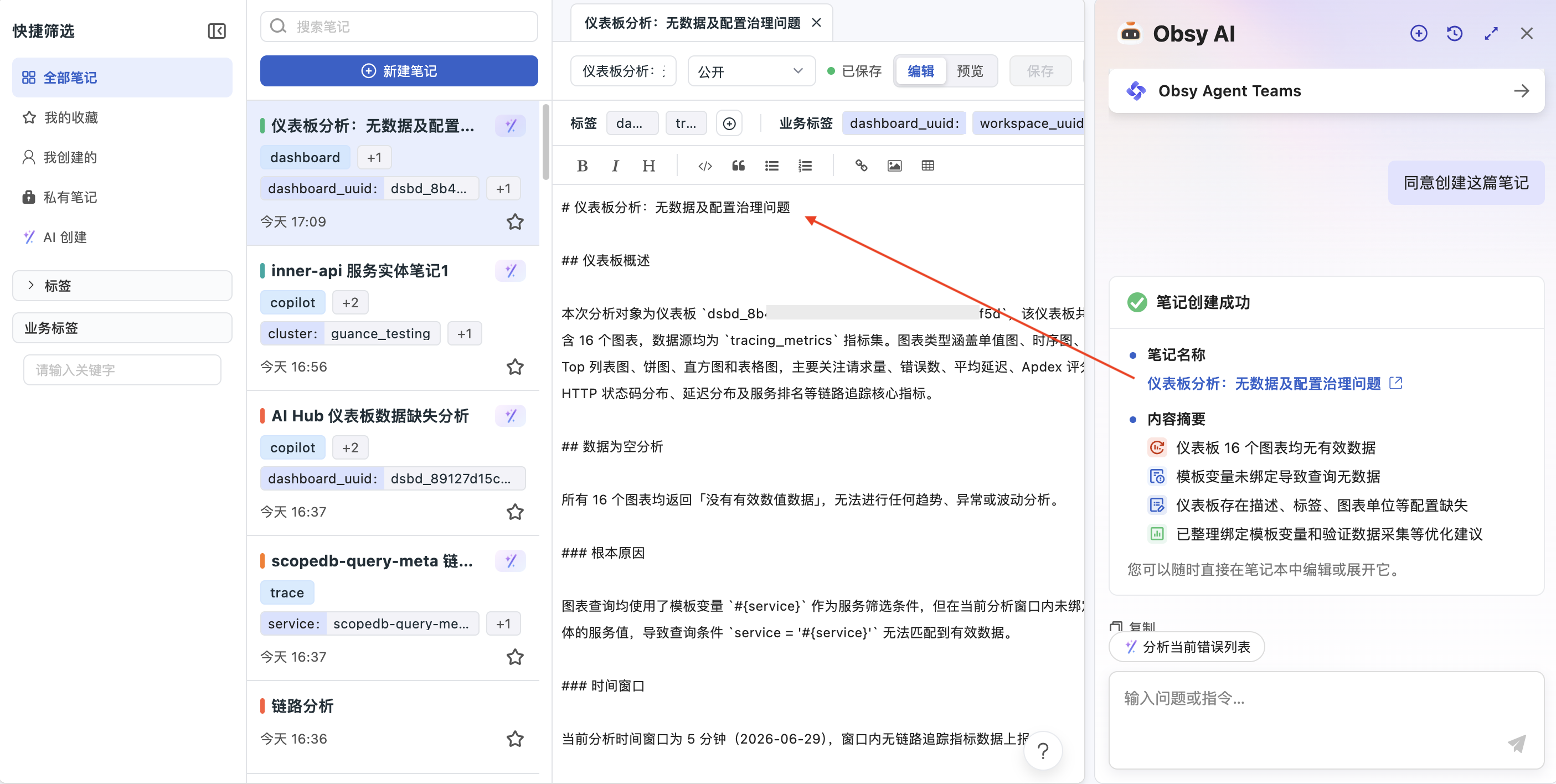
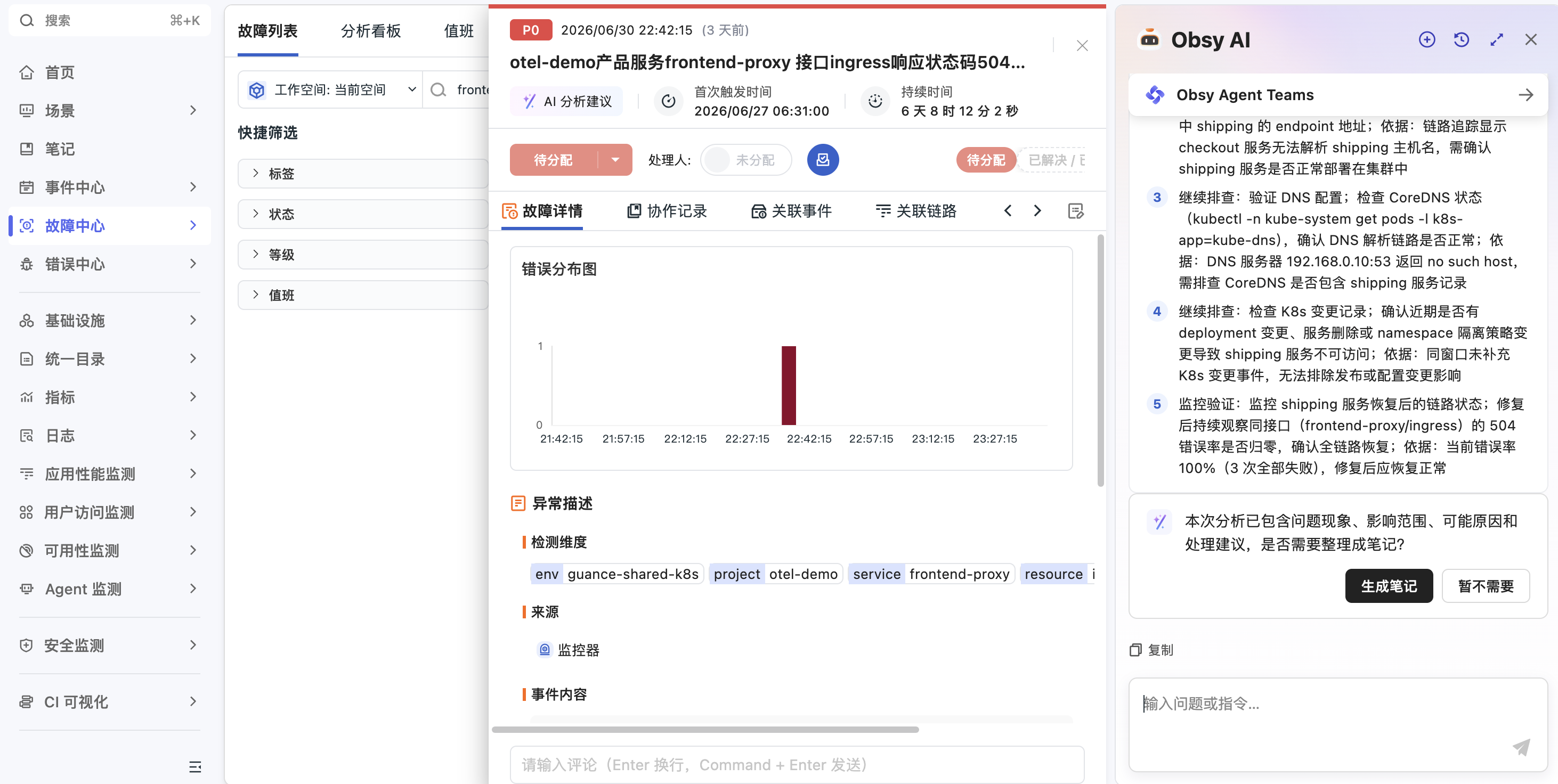
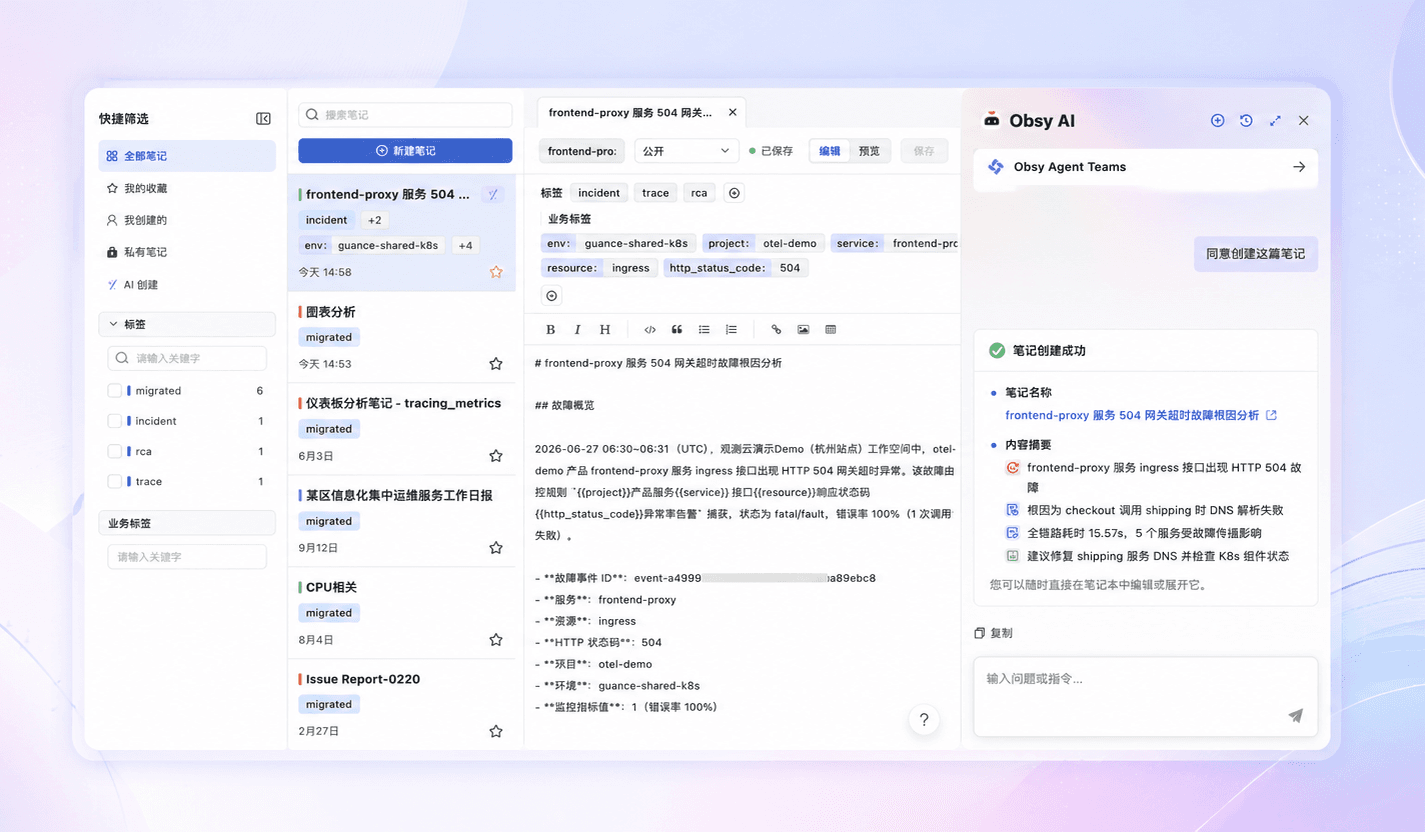
Guance Notes combines written analysis with charts and captured data views. Teams can document an investigation, preserve its supporting context, share the result inside a workspace, and find it again for a report or a similar incident.

Keep investigation evidence and decisions with the data

What Guance Notes helps you solve

Preserve the question, evidence, and conclusion in one reviewable record

A graph pasted into chat rarely explains its time range, the question being tested, or the decision that followed. A note keeps narrative and Guance data views together so another responder can understand what was checked and why the conclusion was reached.

Reconstruct an incident without rebuilding the evidence
Combine a written timeline with the charts and captured data views used during the investigation. Record the affected service, time window, observed change, and follow-up decision so a later review starts from evidence instead of memory.
View documentation
Reconstruct an incident without rebuilding the evidence
Turn an analysis into a structured operational report
Use headings, Markdown content, images, and visual charts to organise findings for engineering, SRE, or business stakeholders. Keep observations separate from hypotheses and identify the evidence behind each conclusion.
View documentation
Find an earlier investigation when a familiar symptom returns
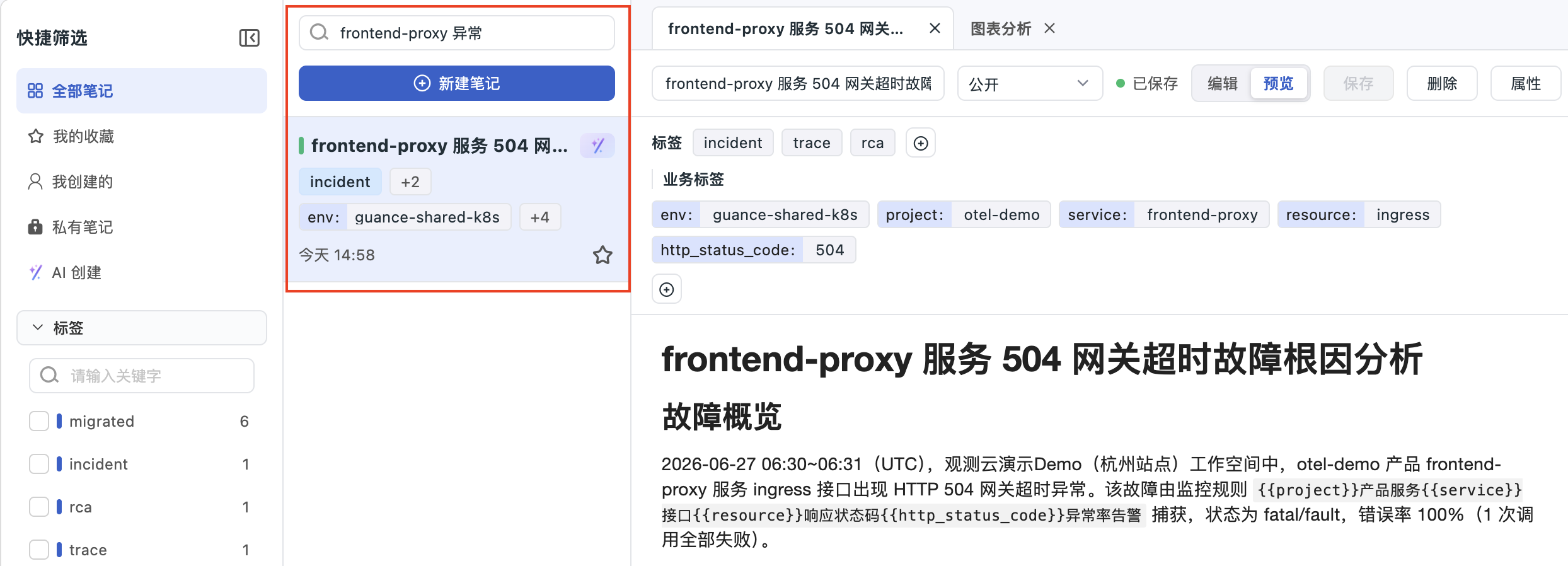
Search notes by keyword, filter the list, and sort by modification time. Consistent titles and investigation vocabulary make prior reports easier to locate during an active incident.
View documentation
Find an earlier investigation when a familiar symptom returns
Capture the data view used at the time of analysis
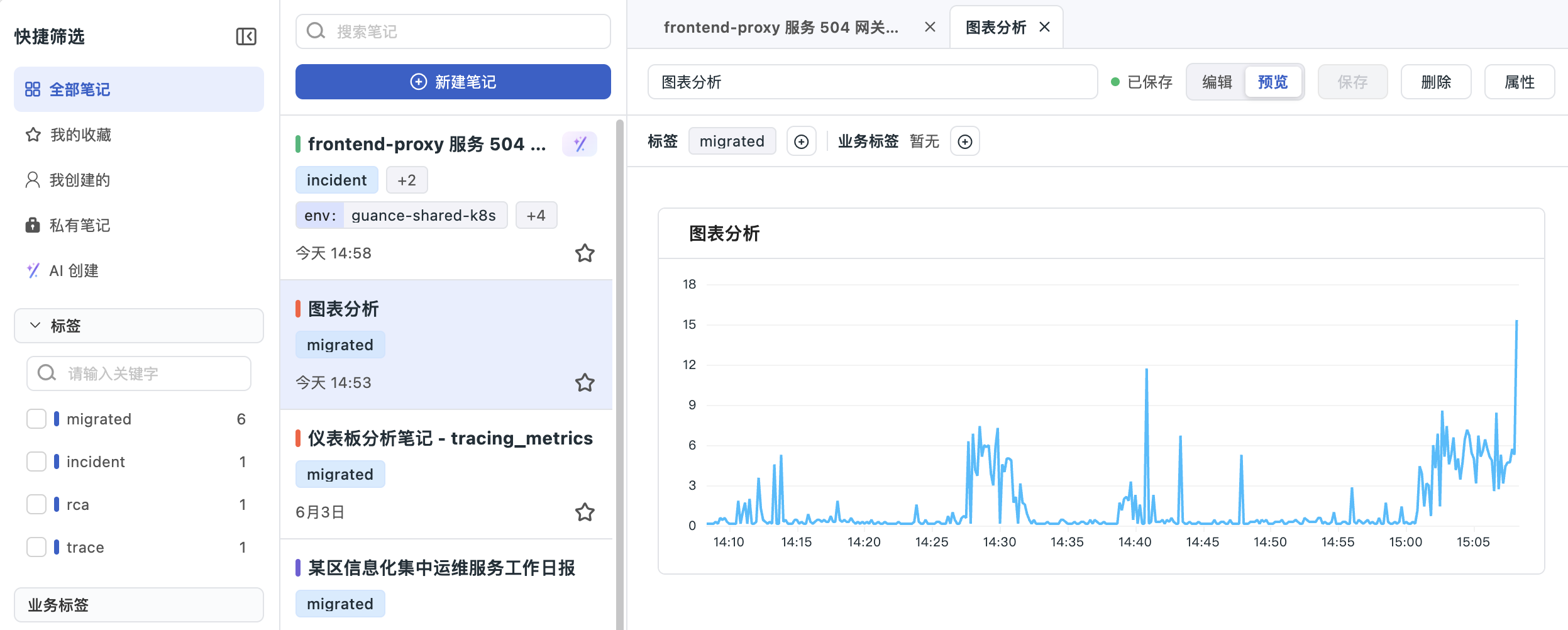
A chart inserted into a note preserves the current query result; it does not continuously refresh with later data. Reinsert the chart when a current result is required, and state the captured time range in the narrative.
View documentation
Share or move a note with explicit visibility boundaries
Set a note as public to workspace members or private to its creator. Export PDF for a fixed report, or export and import note JSON when reusing the structure; data-source context may need to be configured again in another workspace.
View documentation
Share or move a note with explicit visibility boundaries

Frequently asked questions

What is Guance Notes?

Guance Notes is a workspace feature for combining written analysis with visual charts and captured observability data. It is suited to investigations, summary reports, operational documentation, and post-incident records.

Do charts in a note update automatically?

No. The chart stores the current query result when it is inserted. Reinsert the chart when the note needs a current result, and keep the relevant time range clear.

Can a note be shared with other workspace members?

Yes. A public note is available to workspace members according to their access, while a private note is visible only to its creator. A private note does not become public merely because its link is shared.

Can notes be exported?

Yes. Guance documents PDF export and note JSON export. JSON can be imported to reuse a note structure, but associated data sources may need to be configured again in another workspace.

How should teams make notes useful during later incidents?

Use a consistent title, identify the system and time window, separate observations from hypotheses, preserve the charts used as evidence, and record the decision or next action.


Turn the next investigation into a reusable operating record

Continue with dashboards, AI-assisted analysis, documentation, and platform guidance.

Get started > View documentation > View pricing >