


Allow Guance synthetic monitoring through a cloud firewall
Use verified probe source addresses, protocols, and ports to allow synthetic checks through DigitalOcean Cloud Firewalls and diagnose remaining failures.
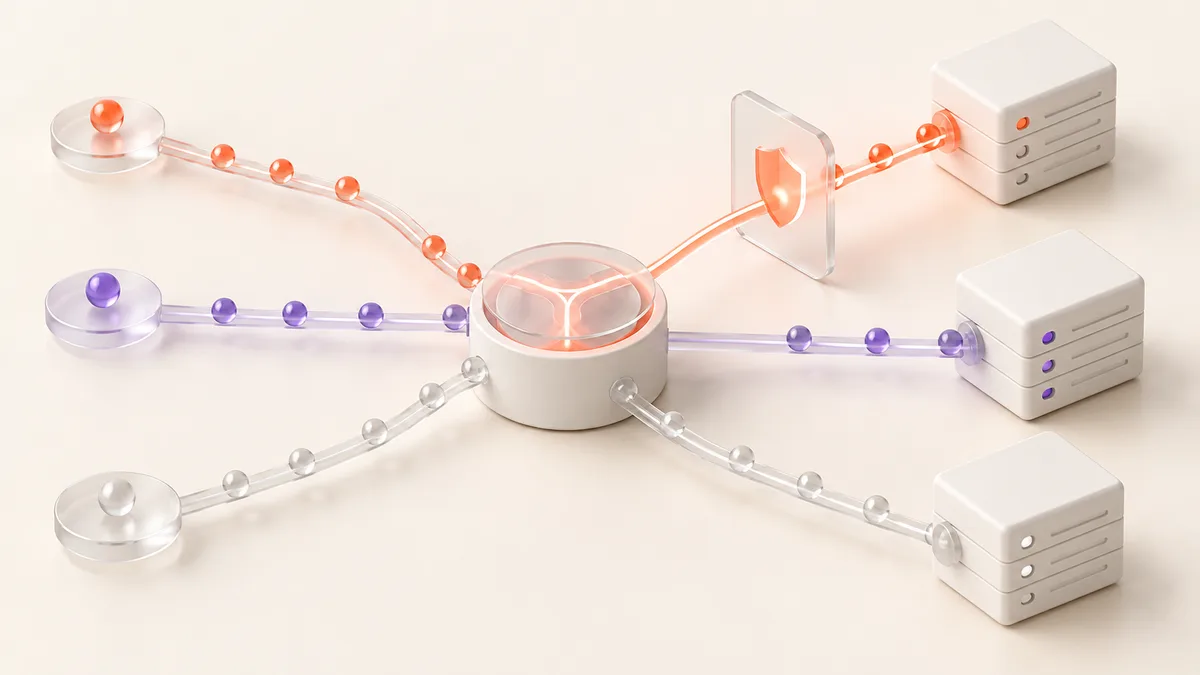
A service that works locally but fails an external synthetic check is not necessarily down. Compare the failing node, timestamp, and error first. Use available host-firewall, WAF, and application evidence to investigate blocking; a timeout alone is not a reason to broaden every inbound rule.
DigitalOcean Cloud Firewalls do not provide traffic logs. Do not rely on finding a blocked-packet log in that product when following the steps below.
Identify the probe source and destination
Guance supports API checks including HTTP, TCP, ICMP, and WebSocket. Confirm the selected nodes, destination address, port, and protocol in the task, then obtain the current egress addresses from node information or official support. For a self-hosted node, verify the address after any outbound NAT.
A browser's client address, a server's private IP, or an outdated probe list is not a substitute for the probe's actual egress IP. This guide deliberately avoids a static IP list because nodes can change.
Add a DigitalOcean inbound rule
In Networking → Firewalls, open the firewall associated with the destination Droplet. Configure only what the check requires:
| Field | Configuration |
|---|---|
| Source | Verified probe IP addresses or CIDR ranges |
| Protocol | TCP for HTTP/HTTPS and TCP checks; a separate ICMP rule for ICMP checks |
| Destination port | The actual service port, such as 443 for HTTPS |
| Applied resources | The correct Droplet or resource tag |
Save the rule and check the next scheduled result. Correlate it with application logs and any available host-firewall or WAF logs. Review all applicable firewalls: a matching deny rule overrides an allow rule, even across firewalls on the same Droplet. Other allow rules can broaden access where no deny rule applies.
Investigate checks that still fail
- Connection timeout: verify source addresses, ports, routes, and both cloud and host firewalls.
- Connection refused: inspect the service listener and binding; explicit reject rules are another possibility.
- TLS handshake failure: check the certificate, hostname, and protocol. Allowing packets will not repair a certificate error.
- HTTP 403 or a challenge page: inspect WAF/CDN rule matches. Limit any exception to confirmed probe sources and required paths.
- Only some nodes fail: compare regions and networks before concluding that the destination blocks every failing probe.
When a CDN fronts the service, the origin may see CDN egress addresses rather than probe addresses. Evaluate origin firewall rules and edge WAF rules separately.
Keep the access boundary narrow
An allowlisted source is not permission to bypass application authentication or other request checks. Open only the ports and paths the task needs. Monitoring probes do not need SSH or Remote Desktop access merely to check a website. Review node changes periodically and remove obsolete exceptions.
References
Contact us
Join the community

to join the community
Try Guance
Start online and pay only for what you use.
Get startedChoose a Guance plan