Incident Tracking

Keep issue ownership, evidence, and progress in one response record

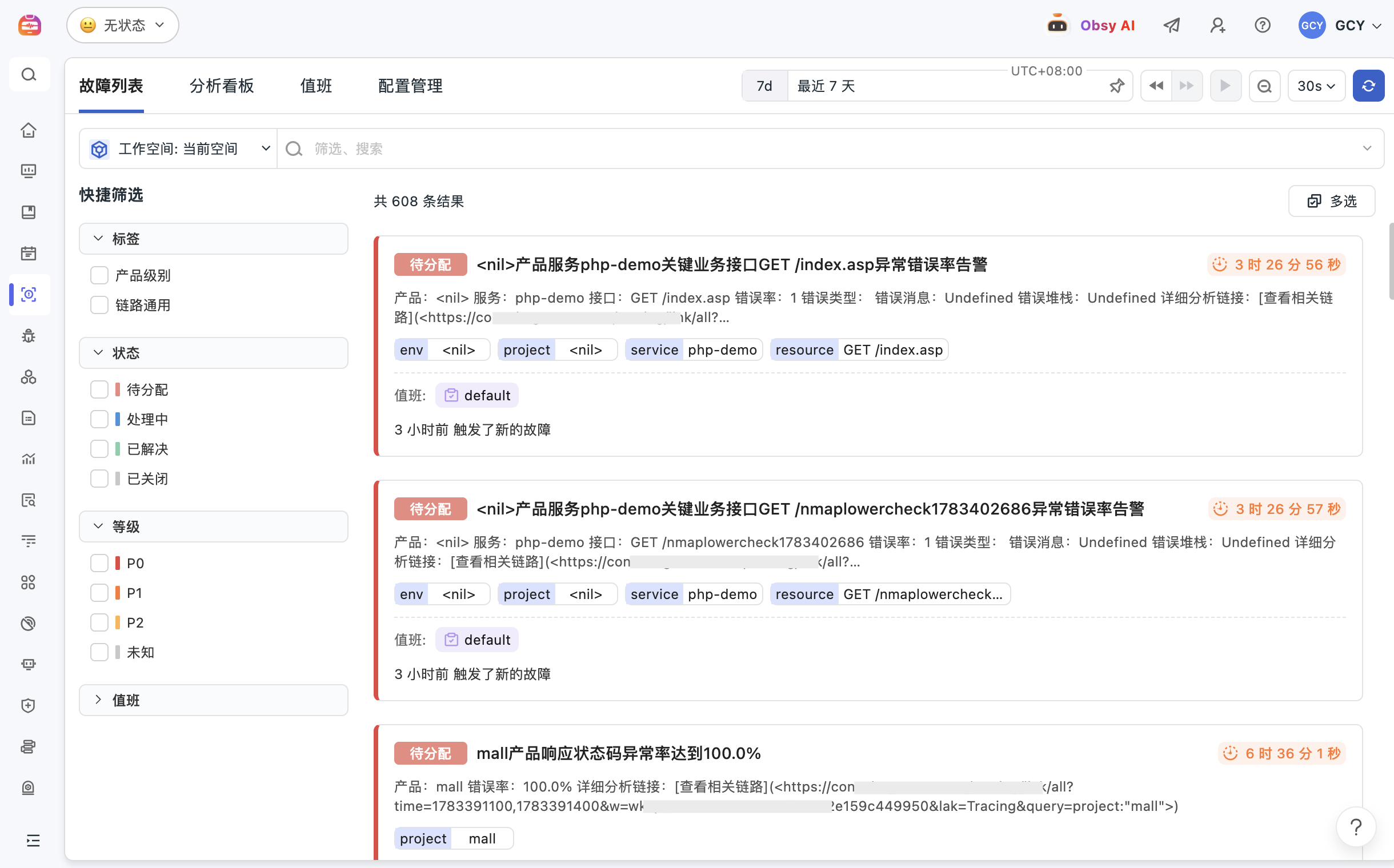
Guance Incident Tracking turns an alert, event, log finding, or dashboard observation into a managed issue. Teams can preserve the original query context, assign an owner, track severity and status, and retain the evidence needed for review.

Keep issue ownership, evidence, and progress in one response record

What Incident Tracking helps you solve

Keep the problem, owner, evidence, and response history together

A response record should show what was observed, who owns the next action, how status changed, and which evidence supports the conclusion. Guance keeps those elements attached to one issue.

Turn a temporary finding into a traceable issue before context disappears
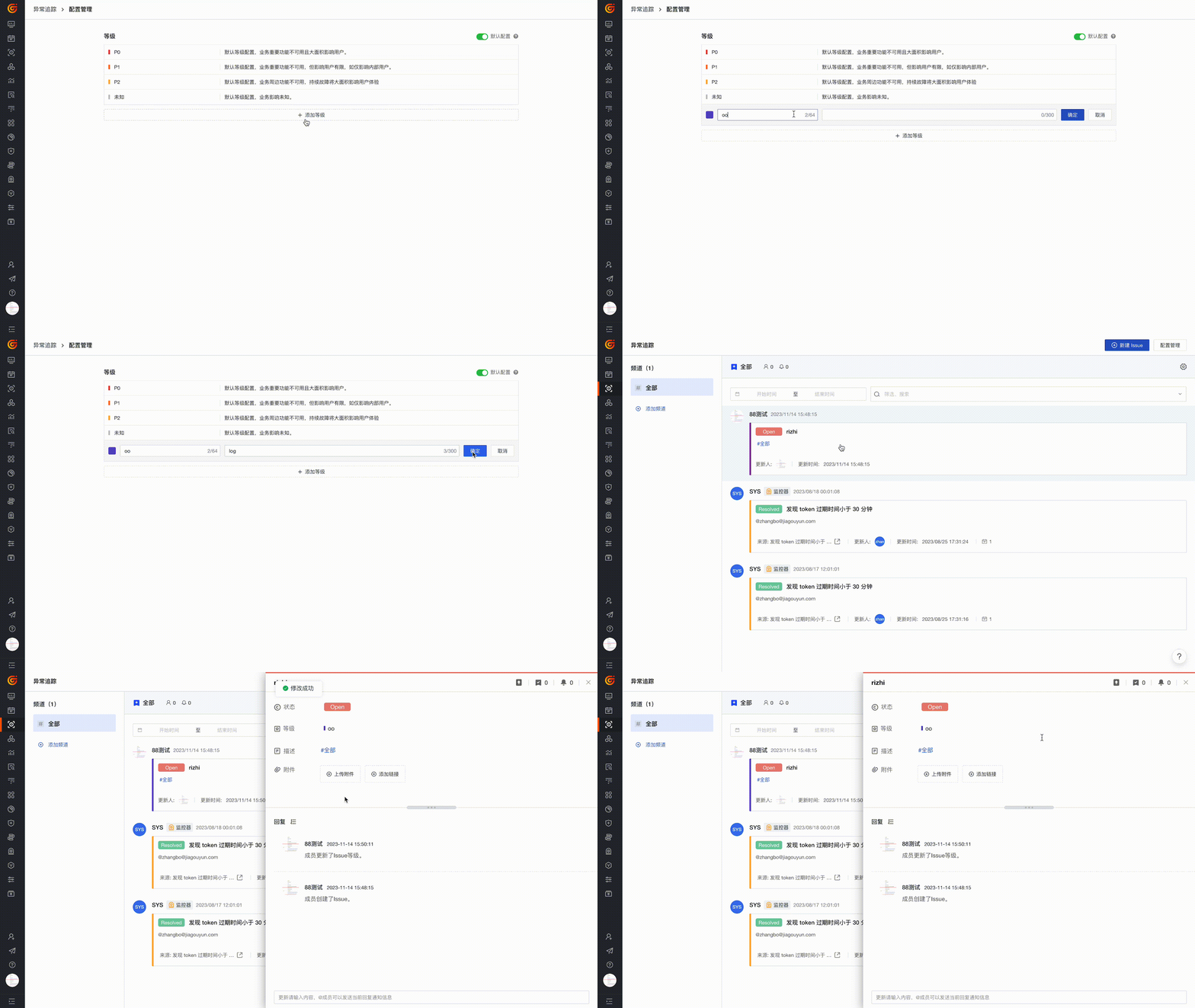
Create an issue from dashboards, events, logs, or alert views while preserving the query and time context. Add severity, status, and classification so the finding becomes a managed response item.
View documentation
Turn a temporary finding into a traceable issue before context disappears
Make ownership and progress visible to every responder
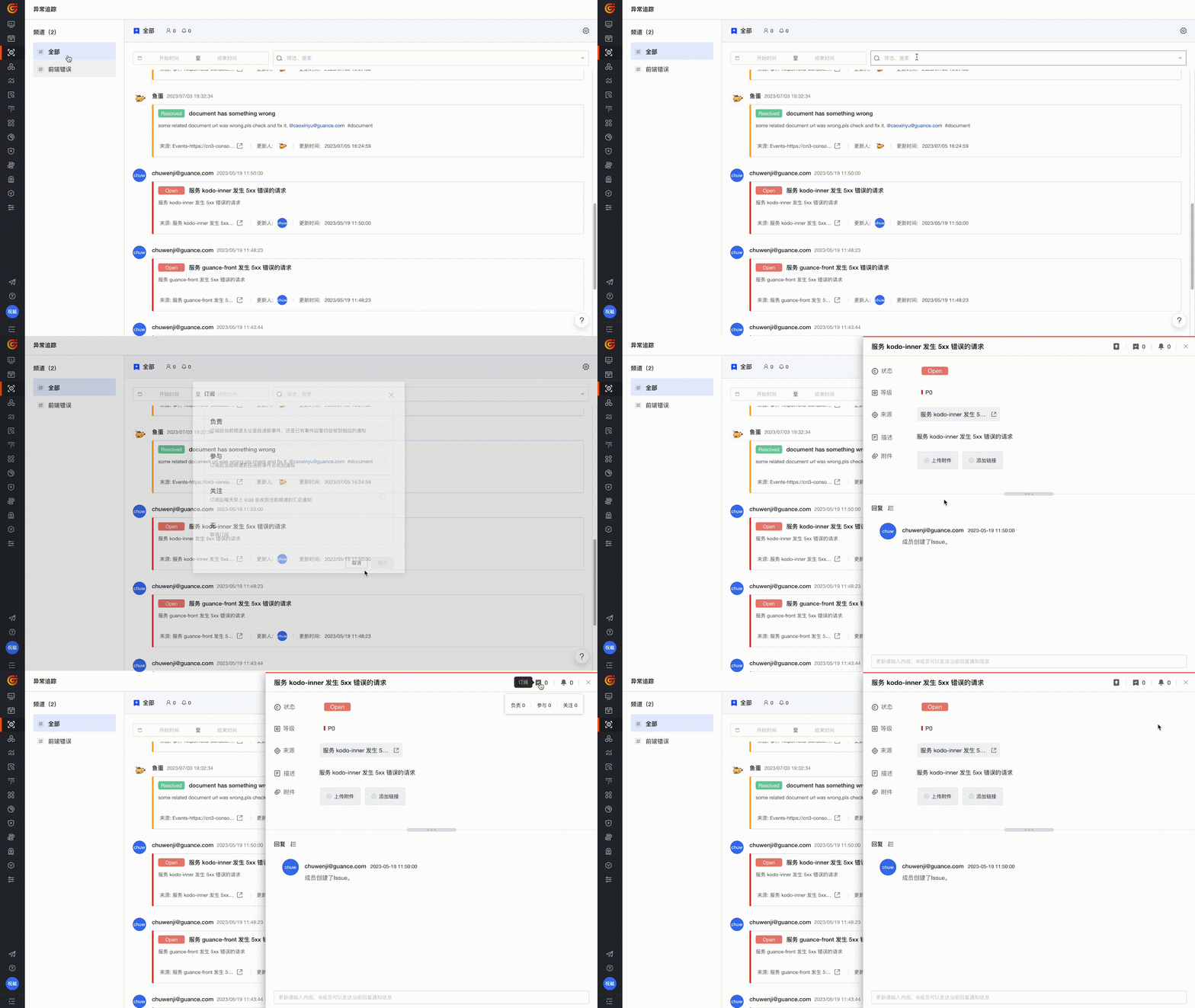
Filter and subscribe by channel, time, severity, owner, and status. Keep teams aligned on the same issue record instead of duplicating updates across screenshots and separate chat threads.
View documentation
Return from the issue to the original evidence during review
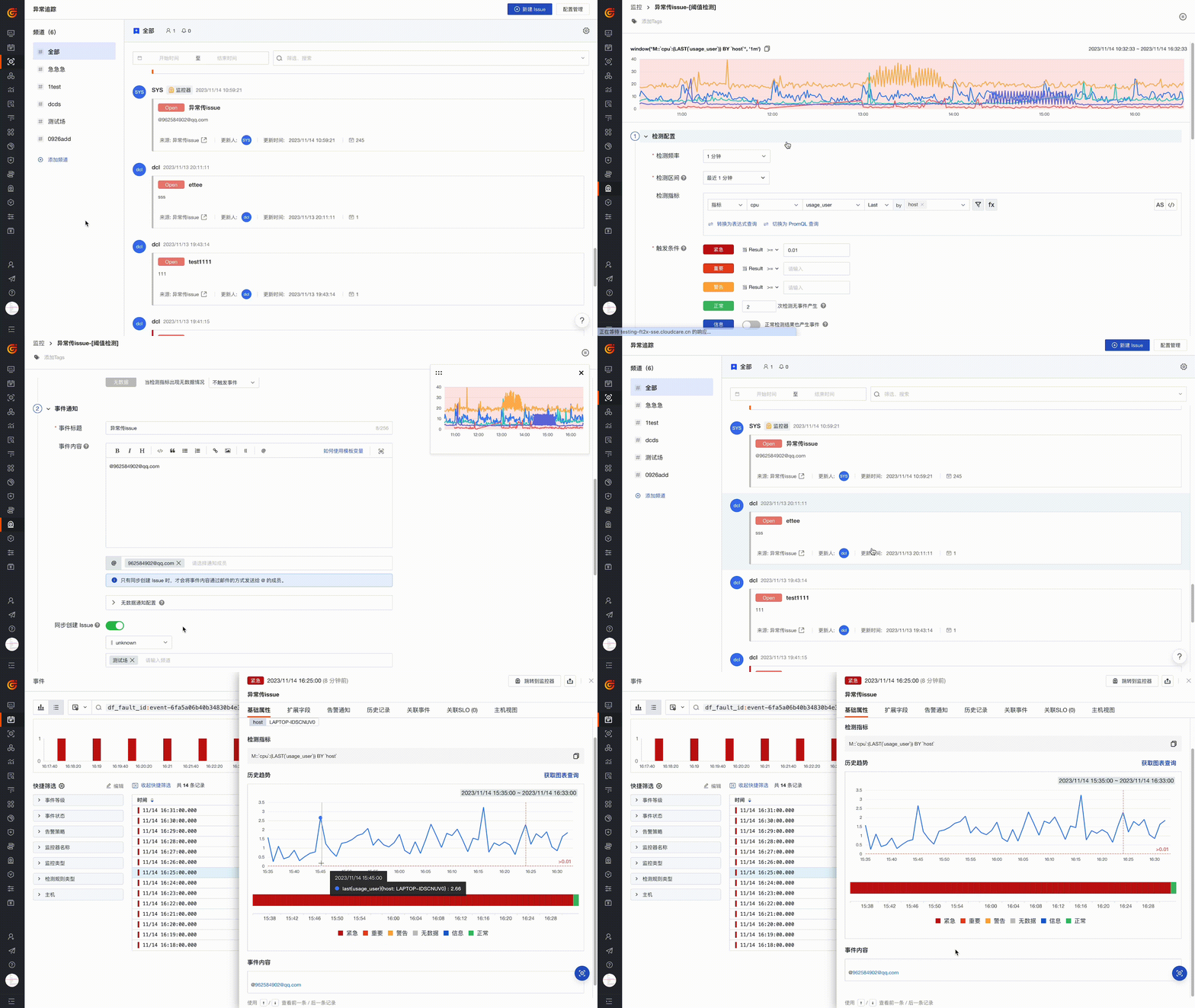
Link monitoring alerts, Event Management, logs, APM traces, dashboards, and infrastructure data. The response history and evidence remain available for review and for reducing repeated investigation work.
View documentation
Return from the issue to the original evidence during review

Frequently asked questions

What is Incident Tracking in Guance?

Incident Tracking manages the lifecycle of a specific issue, including its original evidence, severity, owner, status, collaboration record, and review context.

How is Incident Tracking different from Event Management?

Event Management centralizes alerts, changes, and security events for triage. Incident Tracking manages the ownership, status, evidence, and response history of a specific problem selected for follow-up.

How does Incident Tracking support collaboration?

Teams can create issues from investigation views, assign owners, set severity and status, subscribe to updates, and keep response progress attached to one record.

Which evidence can be linked to an issue?

Issues can retain links to alerts, events, logs, APM traces, dashboards, queries, and infrastructure context used during investigation.


Connect issue tracking to alerts, events, and SLOs

Continue into Event Management, alerting, SLO management, documentation, or pricing.

Get started > View documentation > View pricing >