Security Inspection

Inspect supported assets for security risk before an incident

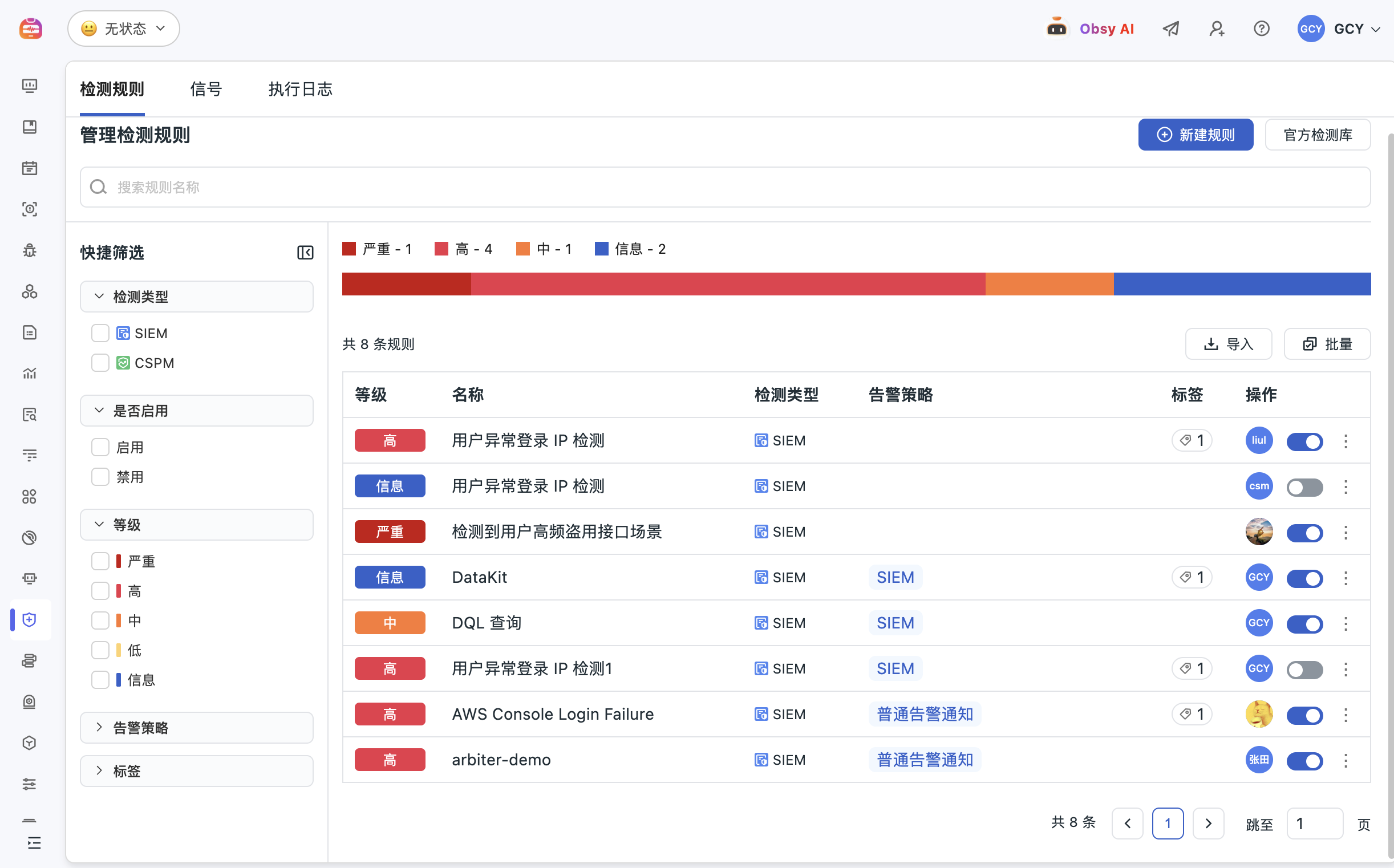
Guance Security Inspection records documented checks for hosts, systems, containers, and network activity, helping security and operations teams review malware indicators, vulnerabilities, configuration weaknesses, and potential data-exposure events with searchable evidence.

Inspect supported assets for security risk before an incident

What Security Inspection helps you solve

Turn recurring asset checks into searchable security evidence

Security findings are easier to act on when the affected asset, rule, category, severity, time, and available remediation context remain attached. Inspection events give teams a consistent way to review and trend supported checks.

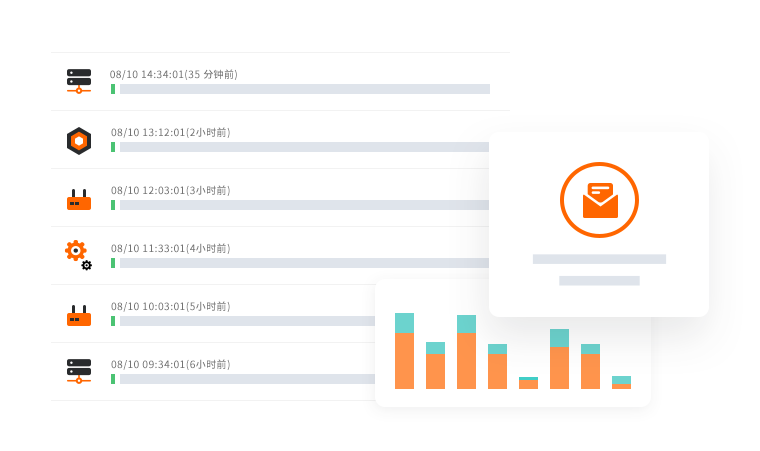
Bring supported hosts, systems, containers, and network checks into one view
Collect inspection events according to the documented SCheck deployment and supported platform. Review the affected asset and check result without extending the claim to every cloud resource, application, operating system, or scanner type.
View documentation
Bring supported hosts, systems, containers, and network checks into one view
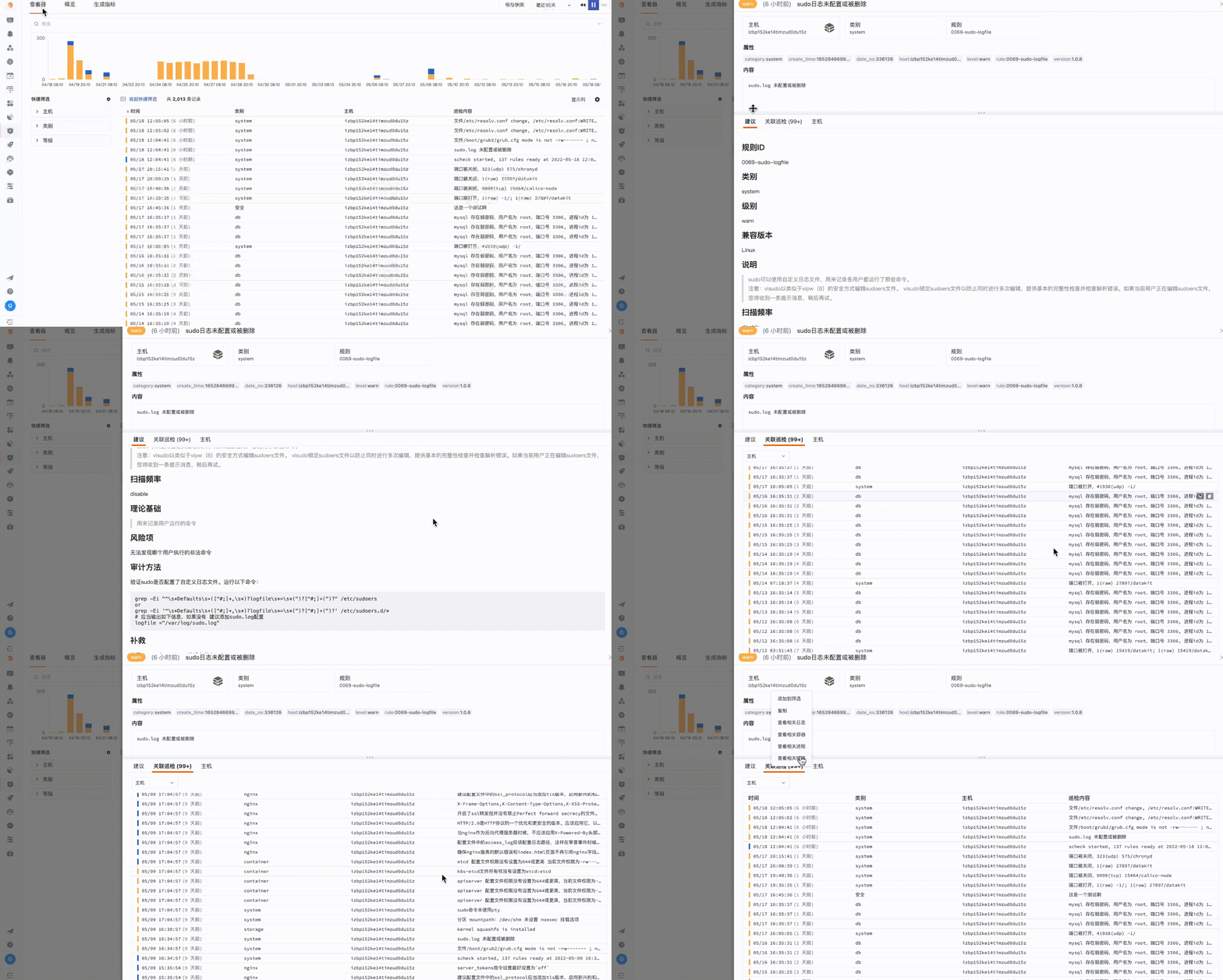
A finding needs context: rule, severity, asset, and observed evidence
Open an inspection event to review reported fields, tags, category, rule, severity, time, and available descriptive or remediation context. Treat a finding as evidence to validate, not as proof that every vulnerability is exploitable or every asset is fully covered.
View documentation
Measure risk distribution and change over time
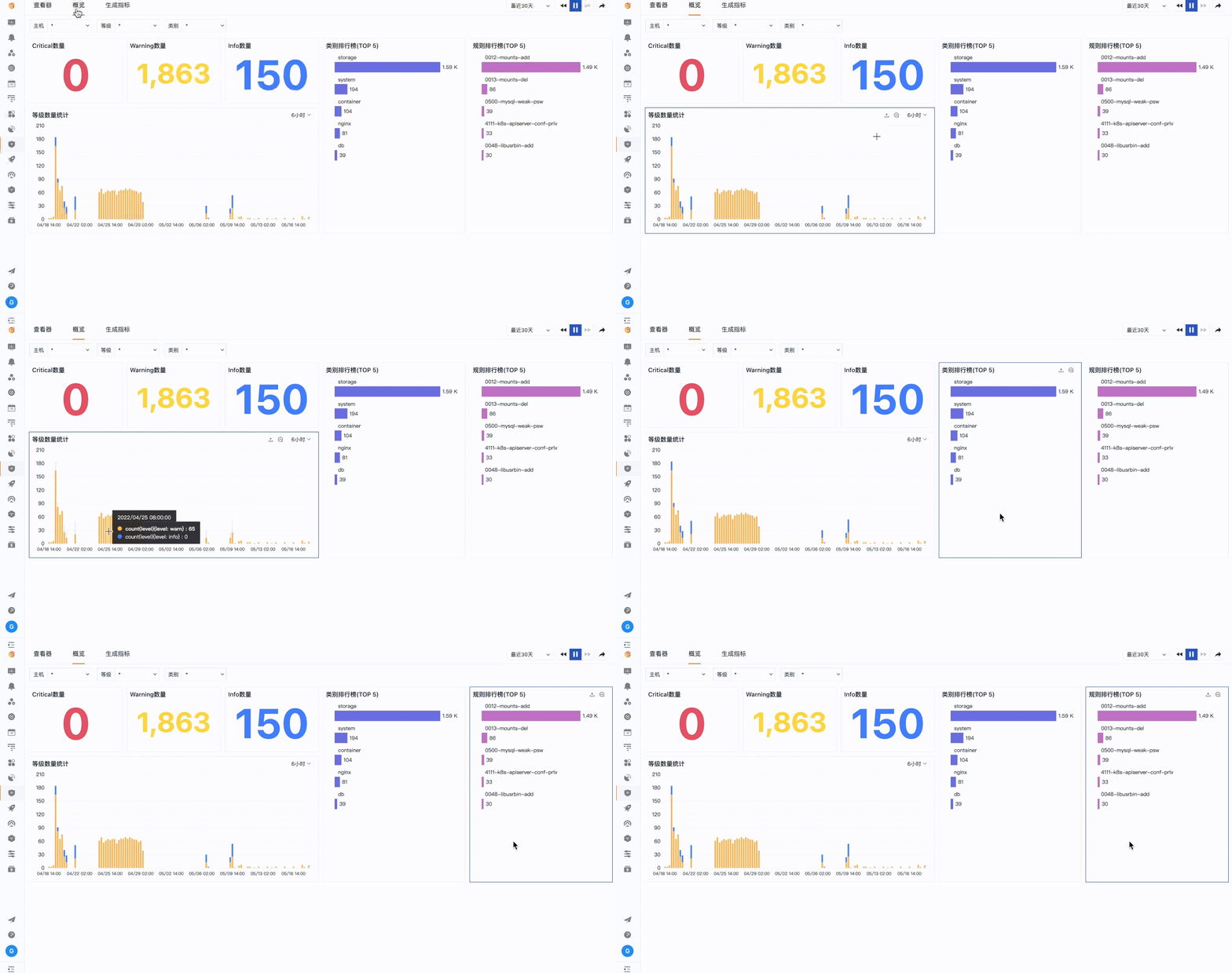
Use Security Inspection overview and Explorer analysis to compare findings by host, severity, category, rule, and time. Dashboards help security, operations, and platform teams track the same evidence while maintaining responsibility for triage and remediation.
View documentation
Measure risk distribution and change over time
Route selected findings into ongoing monitoring
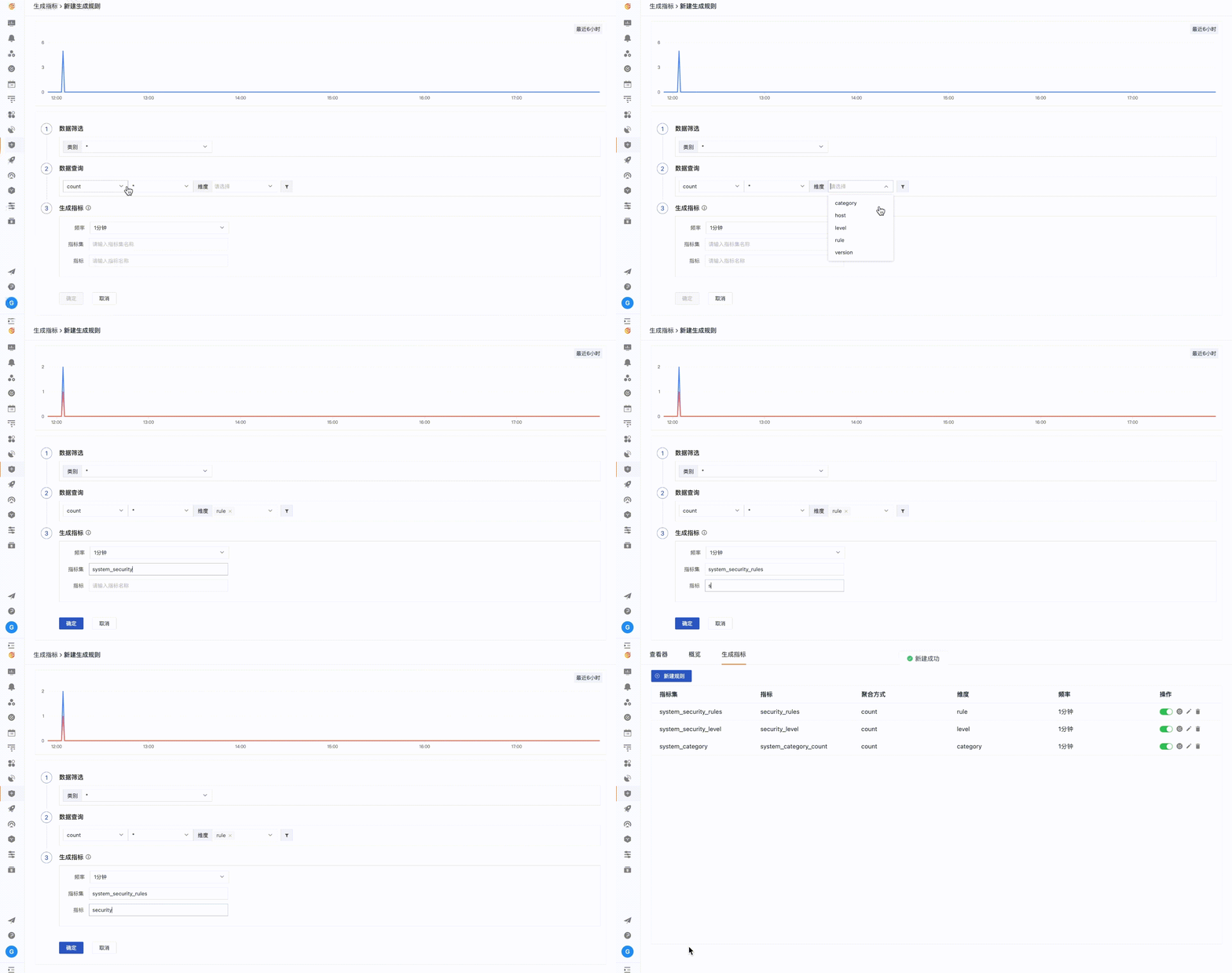
Query inspection events and derive supported metrics or monitors for the risks the team needs to track continuously. Keep Security Inspection distinct from SIEM threat detection, Sensitive Data Scanner, and external vulnerability-management programs.
View documentation

Frequently asked questions

What is Guance Security Inspection?

Security Inspection records documented checks for supported hosts, systems, containers, and network activity, then makes the resulting events searchable and available for visual analysis.

Which risks can it report?

Current Guance documentation describes malware, system vulnerability, security weakness, abnormal host or container conditions, and possible network data-exposure findings. Actual checks depend on SCheck version, platform, rules, and deployment.

How is Security Inspection different from SIEM?

Security Inspection focuses on scheduled or rule-based asset and configuration checks. SIEM focuses on analysing security logs and events for detection and investigation. They can share context but are not interchangeable.

Does Security Inspection guarantee compliance or complete vulnerability coverage?

No. It provides evidence from documented checks. Coverage, remediation, validation, risk acceptance, compliance mapping, and external testing remain separate responsibilities.


Connect inspection findings to security and operations workflows

Continue to SIEM, Sensitive Data Scanner, logs, security guidance, documentation, and pricing.

Get started > View documentation > View pricing >