Mobile App / Incident Response

Take ownership of incidents from wherever you are

The Guance Mobile App lets on-call, operations, and SRE teams open assigned incidents, update status, collaborate, inspect dashboards, logs, traces, events, and RUM, review schedules, and continue an authorised investigation across devices.

What the Mobile App helps you solve

Move from notification to evidence and ownership on one device

A useful mobile alert must lead back to the affected incident, its status, the responsible people, and the telemetry needed for a first decision. The app keeps that handoff available when an engineer is away from a workstation.

Get the app

Keep the incident context within reach

Scan to download the Guance Mobile App. Sign in to an authorised site and workspace to receive collaboration notifications and continue reviewing operational evidence.

观测云移动 APP 下载二维码 Scan to download
An alert arrived. Open and take ownership of the incident
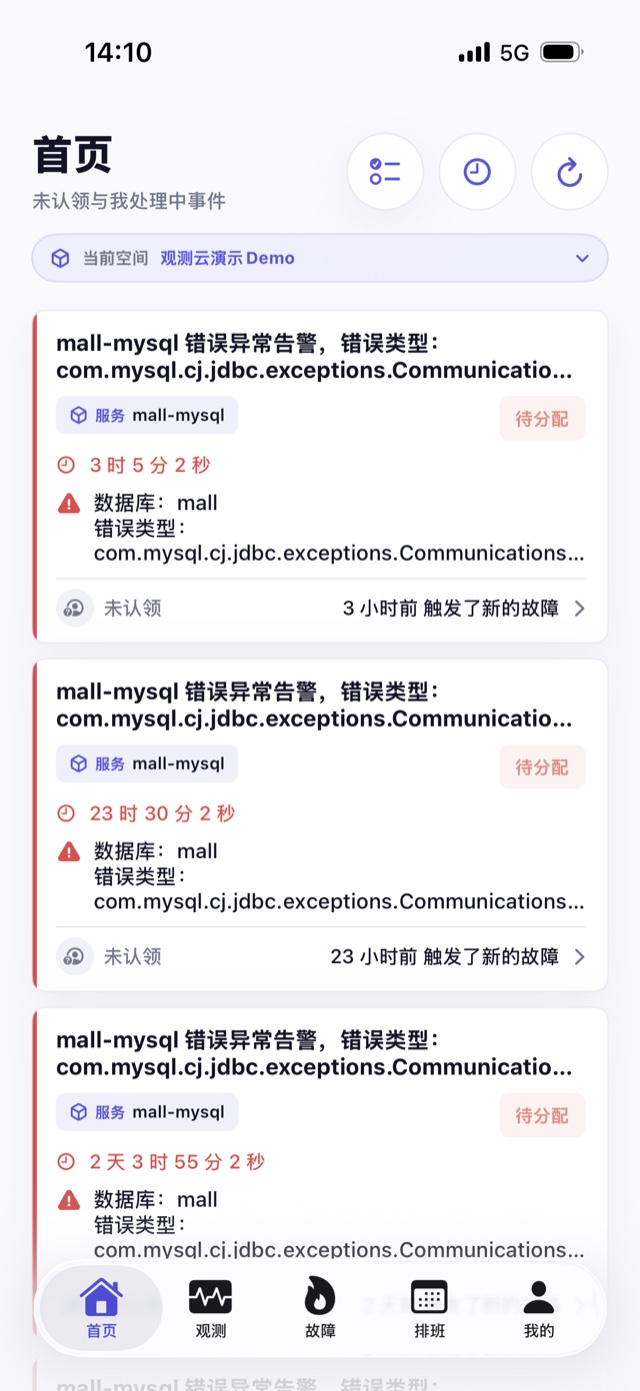
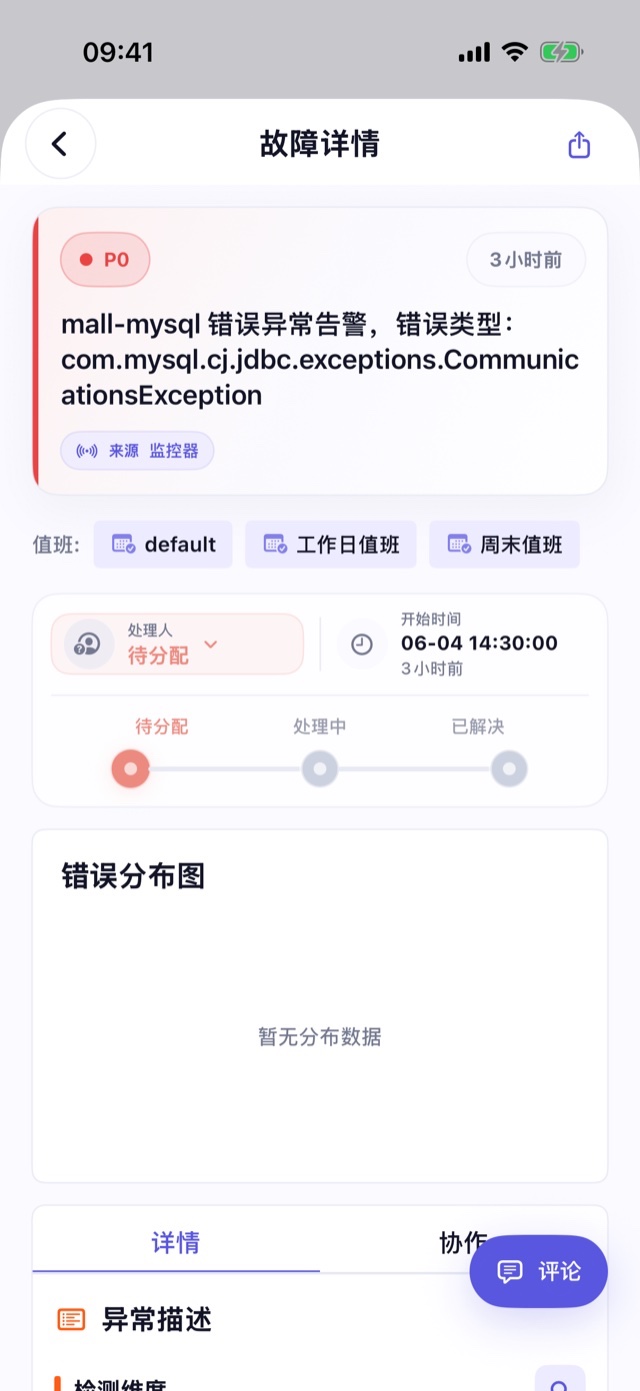
The home and incident views surface unassigned and relevant unresolved incidents in the current workspace. Review severity, status, owner, updates, fields, event distribution, and collaboration history, then take ownership or update the incident state according to your permissions.
Continue with dashboards, logs, traces, events, and RUM
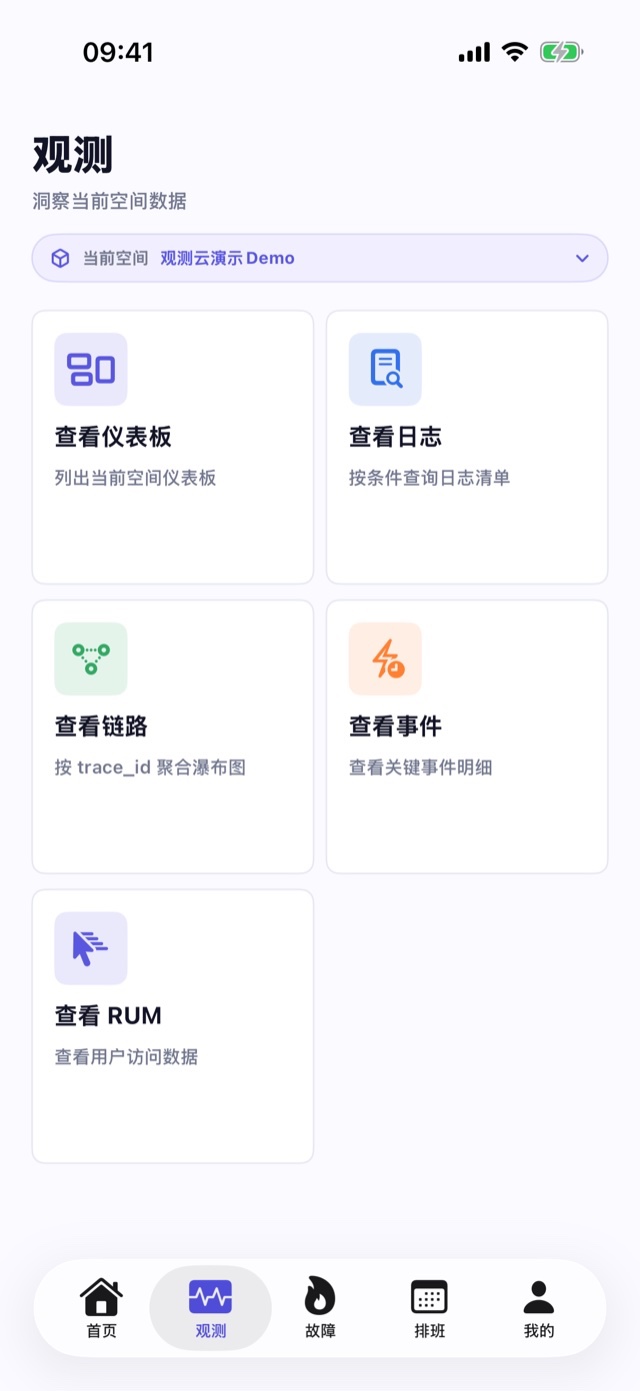
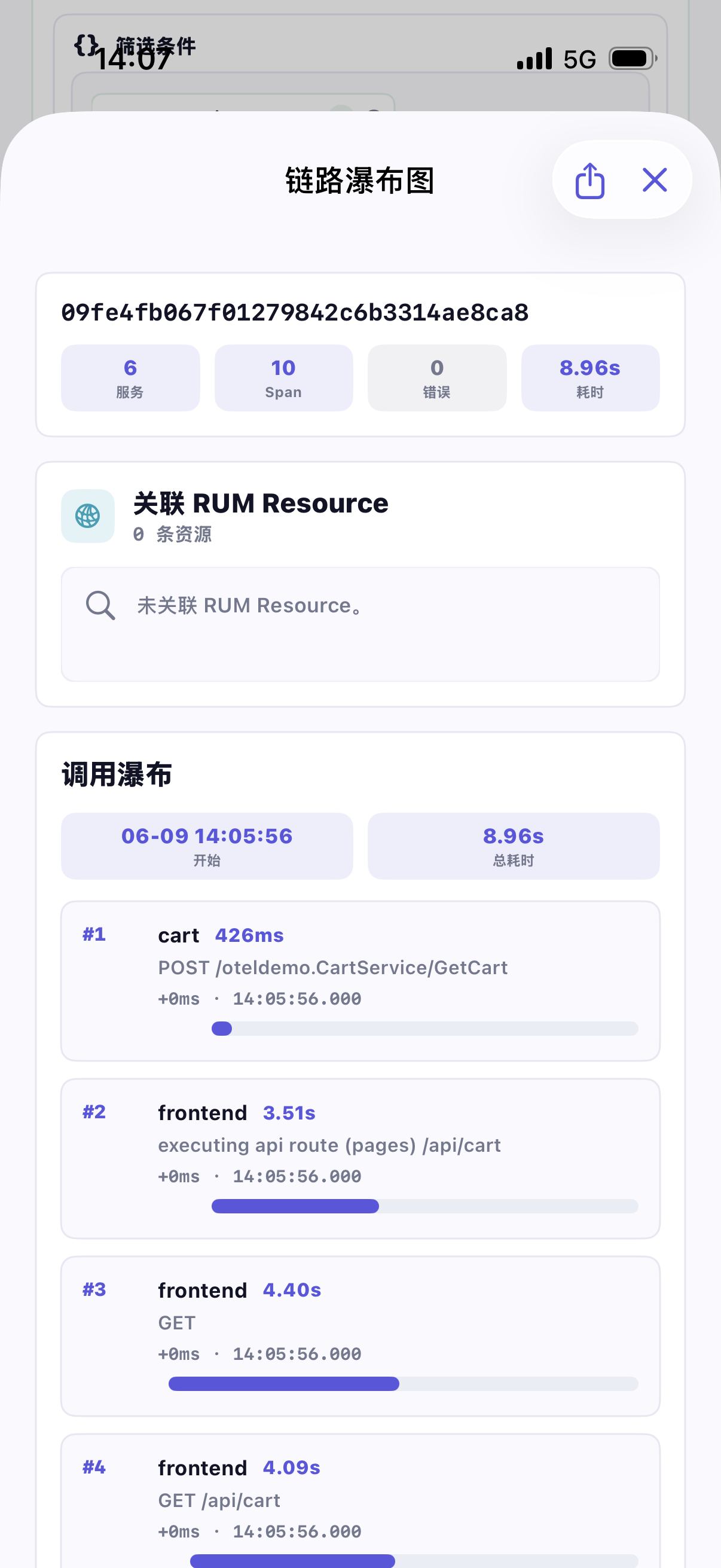
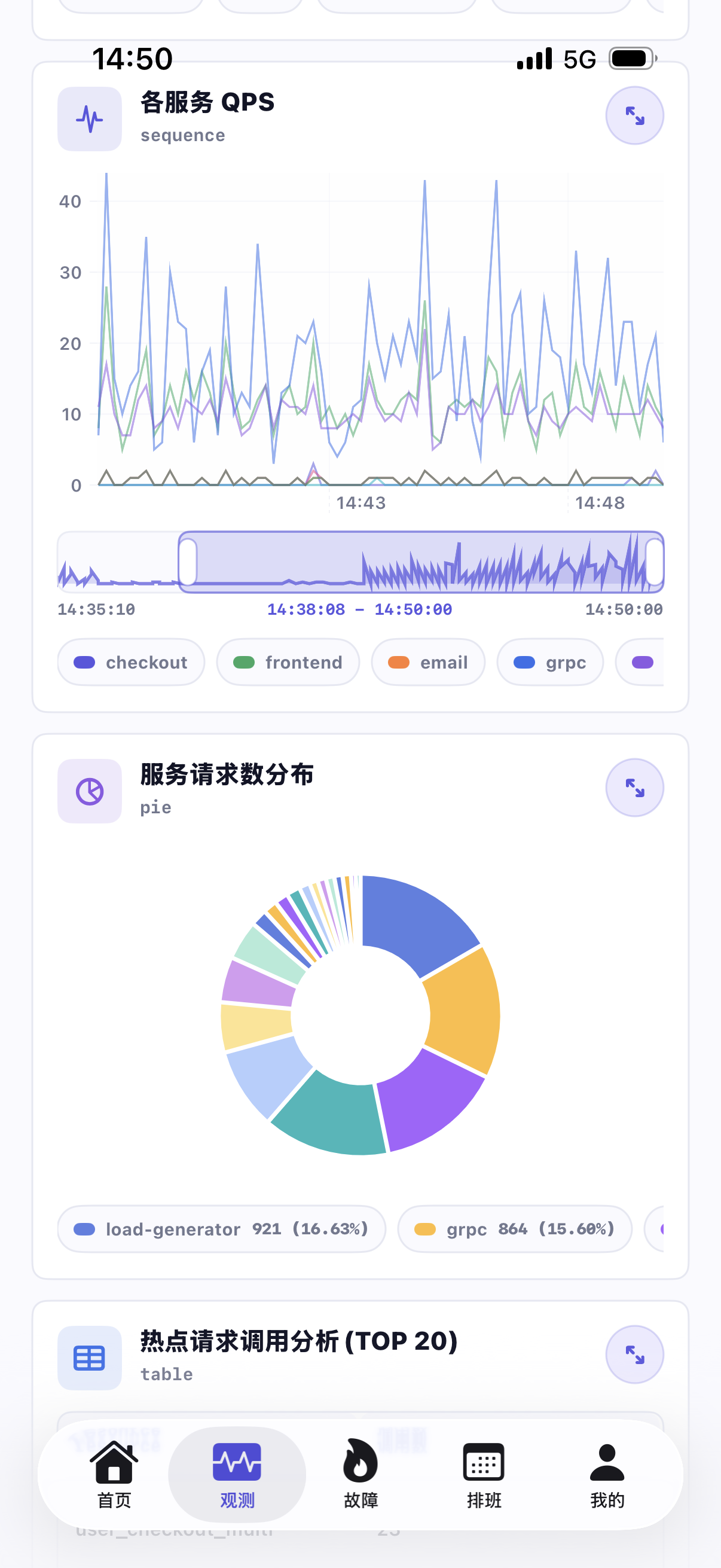
Use the Observability area to query authorised records by time range, keyword, field, Trace ID, service, or status where supported. Open details, inspect fields and raw content, and use the trace waterfall or related RUM context for a first evidence-based decision.
Keep important dashboards available on a smaller screen
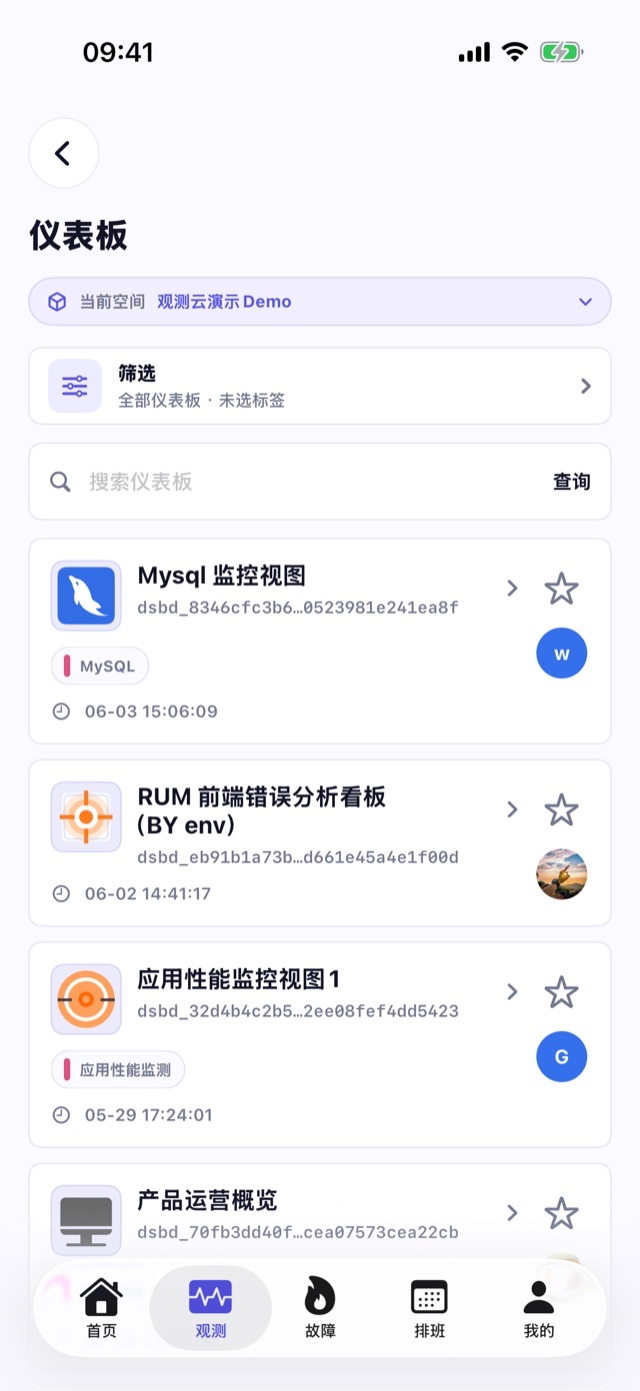
Search and filter accessible dashboards, adjust time ranges and variables, inspect supported charts and tables, enlarge a widget, and share its current context. Editing and access remain governed by the web product and workspace permissions.
Stay connected to schedules, notifications, and workspaces
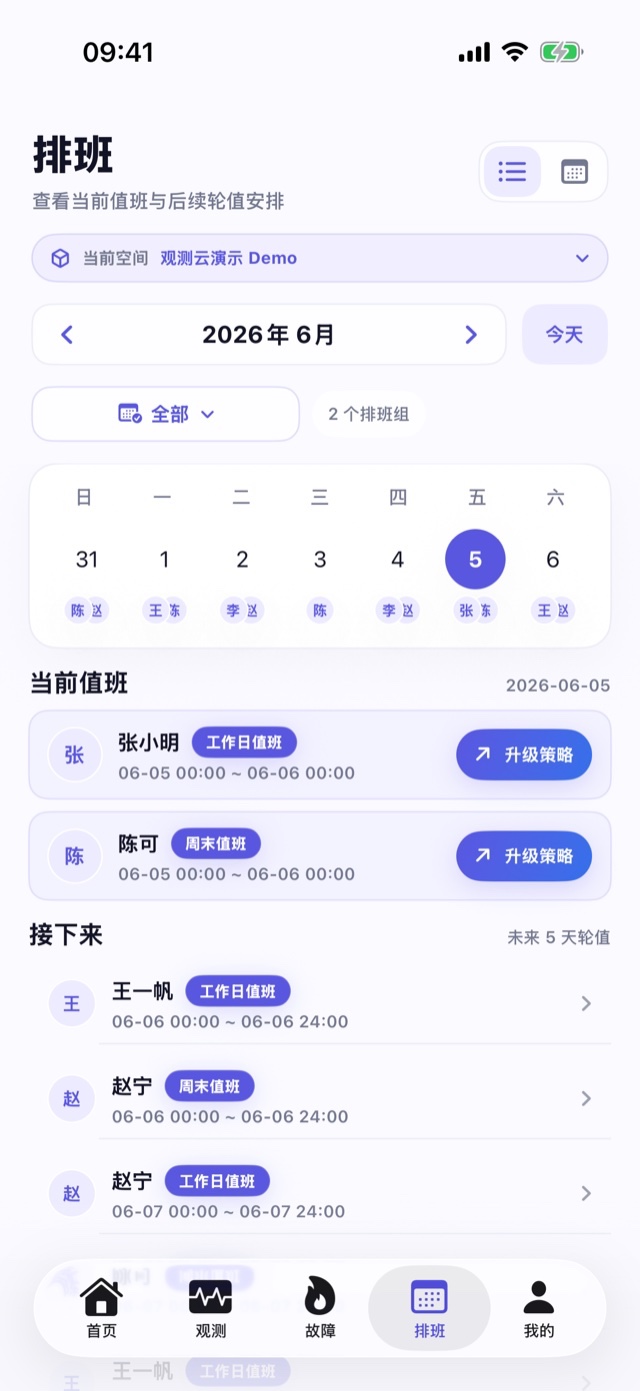
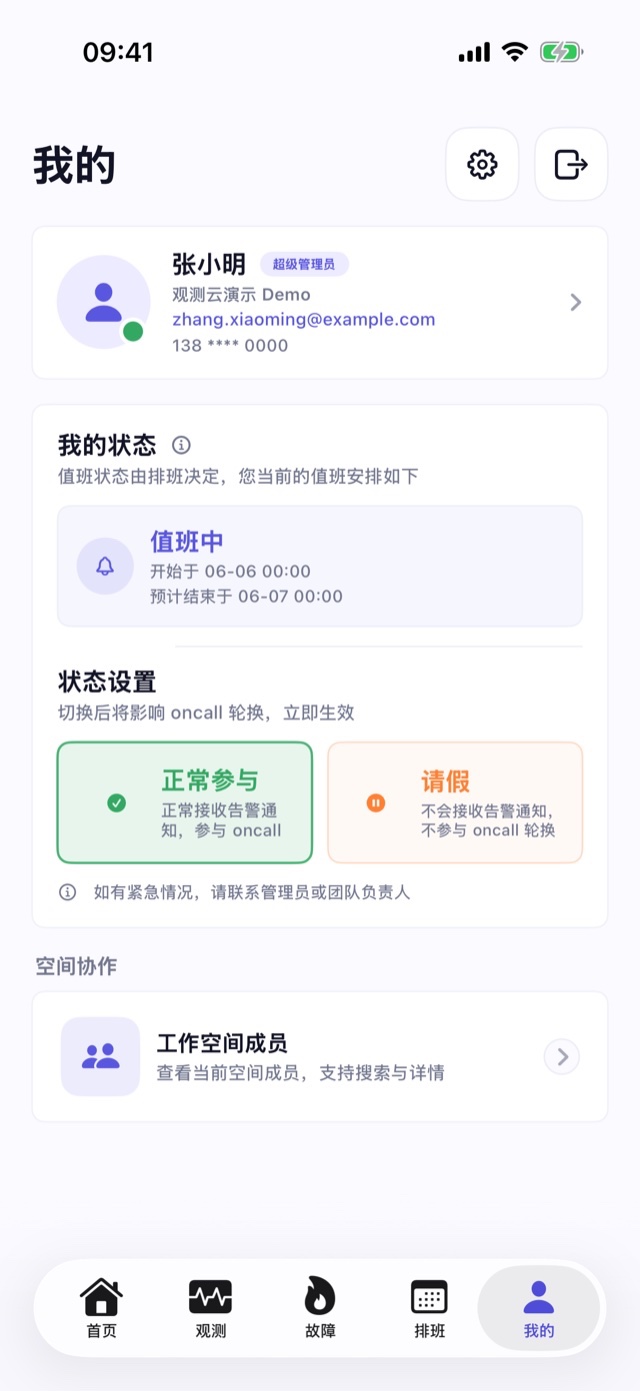
Review on-call rotations and escalation context, configure supported incident notification preferences, and switch among authorised workspaces. Shared links and supported Apple Handoff flows can continue the same incident or data view on another device.

Frequently asked questions

Which incident actions are available in the Guance Mobile App?

The documented app supports viewing and searching incidents, taking ownership, updating status, reviewing fields and collaboration history, commenting, mentioning workspace members, and sharing incident links. Permissions and current app version determine availability.

Which observability data can be viewed on mobile?

The current documentation describes dashboards plus log, trace, event, and RUM queries. Available search fields, detail views, and correlations vary by data type and workspace access.

Which sites and login methods are supported?

Guance documents site selection for existing accounts and private deployments with an accessible HTTPS Console address. Available password, verification-code, or SSO flows depend on the selected site configuration.

Can a mobile investigation continue on a computer?

Supported incident, dashboard, log, trace, event, and RUM pages can use shared or deep links. Apple Handoff additionally requires compatible iOS and macOS devices, the same Apple ID, enabled Handoff, an installed app, and access to the target workspace.


Continue the incident without waiting to return to a laptop

Connect mobile response to incidents, dashboards, and SLO workflows.

Get started > View documentation > View pricing >